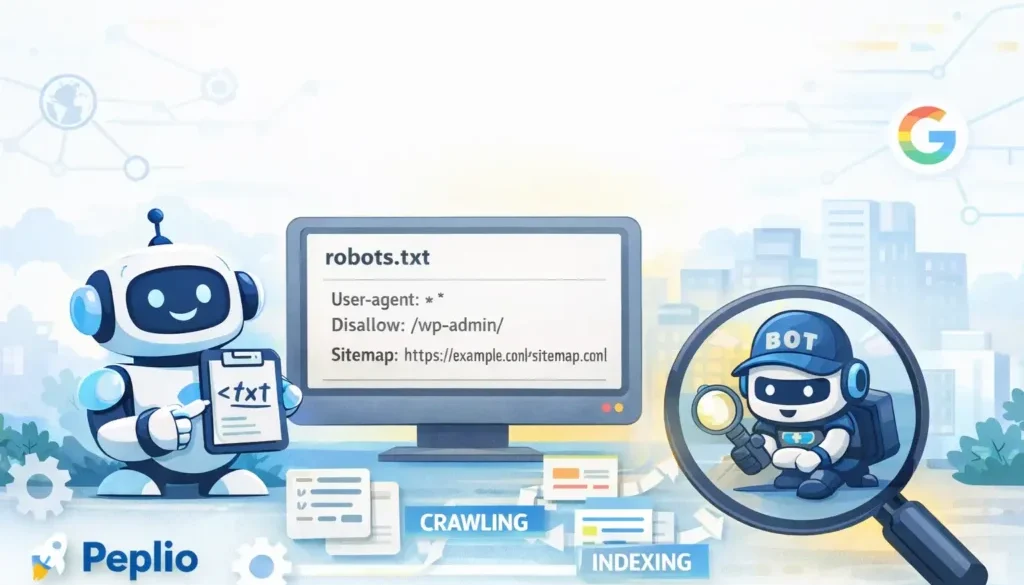
Free Online Robots TXT Generator (How I Actually Use It for SEO)
Free Online Robots TXT Generator
I won’t lie, Robots.txt scared me in the beginning.
Not because it’s complicated, but because it’s powerful in a silent way. You don’t see instant errors. No red warnings. No drama. And then suddenly—boom—pages vanish from search.
One evening, while checking indexing on a small test site, I noticed something odd. Pages were published, internal links were fine, sitemap was submitted… yet Google wasn’t crawling properly. After two cups of tea and one mild panic attack, I found the culprit.
A single wrong rule in robots.txt.
That’s when I decided on two things:
-
I’ll never treat robots.txt casually again
-
I’ll always use a free online robots txt generator instead of typing blindly
This article is everything I’ve learned since then—from mistakes, testing, fixing, and building tools around SEO on Peplio.
Robots.txt explained like I’d explain to a friend

Forget definitions for a moment.
Imagine your website is a factory.
Search engines are inspectors.
Robots.txt is the entry instruction board outside the gate.
It doesn’t say:
-
“This page should rank”
-
“This page is good or bad”
It only says:
-
“You may enter here”
-
“Please don’t go there”
Search engines like Google, Bing, and others respect this file before crawling.
If you block the wrong door, inspectors never even see your best machine inside.
Why robots.txt becomes critical as your site grows
In early days, people ignore robots.txt. I did too.
But as your site grows:
-
Blog posts increase
-
Categories multiply
-
Tags explode
-
Admin URLs leak
-
Filters create crawl traps
That’s when search engines start wasting crawl budget.
Robots.txt helps you say:
“Boss, focus here. Ignore that mess.”
And that’s real SEO maturity.
Why I strongly prefer a free online robots txt generator
Let me be very honest here.
Most robots.txt mistakes happen because of copy-paste SEO:
-
Copying from big blogs
-
Following outdated YouTube videos
-
Trusting random snippets
A free online robots txt generator fixes this by design.
From my own experience, a good generator:
-
Forces correct structure
-
Reduces syntax errors
-
Prevents dangerous blanket blocks
-
Encourages sitemap usage
That’s exactly why I use Peplio’s tool:
👉 https://peplio.com/robots-txt-sitemap-xml-generator/
It doesn’t try to sound smart. It tries to keep your SEO safe.
How robots.txt actually works (important but simple)
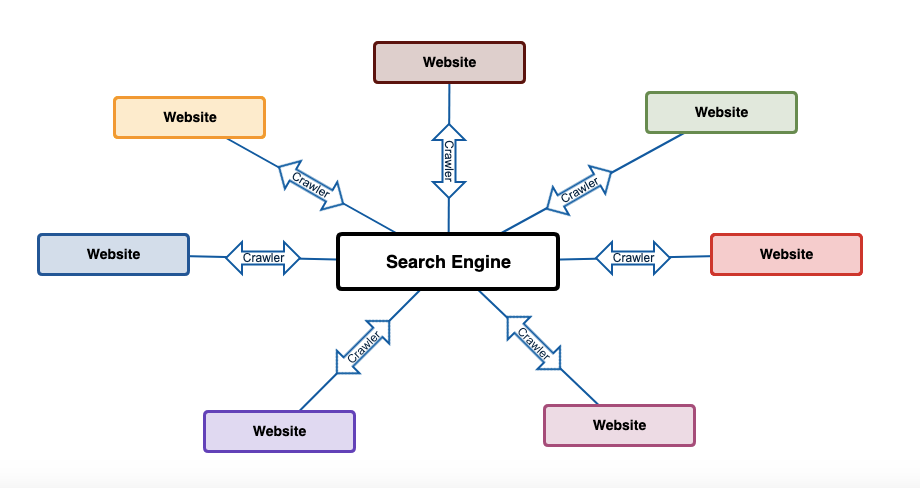
When a bot visits your site, this is the order:
-
Bot requests
/robots.txt -
Bot reads rules matching its user-agent
-
Bot decides what it can crawl
-
Only then crawling starts
No robots.txt = free access
Bad robots.txt = SEO suicide
Clean robots.txt = controlled crawling
Common robots.txt directives (in human language)
User-agent
Who the rule is for.
Means: all bots
Disallow
Where bots should NOT go.
Allow
Exceptions inside blocked folders.
Sitemap
A gift to search engines.
Many people forget this. I used to. Never again.
My exact step-by-step process using a free online robots txt generator

This is literally how I do it—no polishing.
Step 1: Think before generating
I ask:
-
What pages should users see but bots shouldn’t?
-
Any duplicate or system URLs?
-
Any test or staging folders?
This thinking matters more than the tool.
Step 2: Open the generator
I go straight to:
👉 https://peplio.com/robots-txt-sitemap-xml-generator/
No login. No popups. No SEO lecture.
Step 3: Start with “Allow all”
I never start by blocking.
Then I add disallows one by one.
Step 4: Block only what deserves blocking
Typical blocks I use:
-
/wp-admin/ -
/cgi-bin/ -
/cart/ -
/checkout/ -
Thank-you URLs
Not categories. Not blogs. Not assets.
Step 5: Add sitemap (non-negotiable)
This step alone fixed indexing speed for me multiple times.
Step 6: Generate, review, upload
Upload to:
Then I always test using Search Console.
Real example: A safe robots.txt for most WordPress sites
Sitemap: https://yourdomain.com/sitemap.xml
Simple. Boring. Effective.
SEO loves boring consistency.
Robots.txt and SEO: where people get confused
Let me clear this once and for all.
Robots.txt does NOT:
-
Remove indexed pages
-
Hide bad content magically
-
Replace noindex tags
Robots.txt DOES:
-
Save crawl budget
-
Prevent crawling junk URLs
-
Guide bots intelligently
I learned this distinction the hard way.
Robots.txt vs Noindex vs Canonical (quick clarity)
| Tool | Purpose | Best Use |
|---|---|---|
| Robots.txt | Control crawling | System & junk URLs |
| Noindex | Remove from index | Thin/duplicate pages |
| Canonical | Merge signals | Similar content |
Use the right weapon. Don’t swing blindly.
One mistake I personally made (so you don’t repeat it)
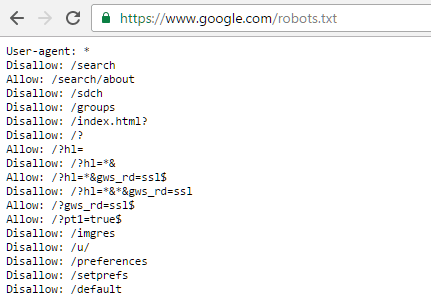
I once blocked:
Result?
-
CSS not crawled
-
JS not rendered
-
Pages looked broken to Google
Traffic dipped silently.
Lesson learned:
Never block assets unless you truly know why.
A small experiment I ran (real signal)
Two similar blogs. Same content speed.
-
Blog A: No robots.txt optimization
-
Blog B: Clean robots.txt + sitemap declaration
After 4 weeks:
-
Blog B had faster crawl frequency
-
New posts indexed quicker
-
Fewer crawl warnings
Nothing fancy. Just discipline.
How robots.txt fits into my full SEO system
On Peplio, I see robots.txt as SEO hygiene, along with:
-
Sitemap XML
-
Internal linking
-
Clean URLs
-
Logical site structure
For deeper understanding, I often cross-check with Google Search Central and crawling tools from Ahrefs—not to copy, but to validate.
When you should NOT touch robots.txt
Please don’t edit robots.txt when:
-
Traffic suddenly drops (first diagnose)
-
You’re guessing
-
You copied advice blindly
Robots.txt changes act fast. Respect that.
Why beginners should always use a generator
A free online robots txt generator:
-
Reduces human error
-
Teaches structure visually
-
Builds confidence
-
Prevents SEO disasters
That’s why this tool exists on Peplio in the first place.
FAQs: Free Online Robots TXT Generator
1. Is robots.txt mandatory for SEO?
Not mandatory, but highly recommended for control and scalability.
2. Can robots.txt block pages already indexed?
No. It blocks crawling, not indexing.
3. How often should I update robots.txt?
Only when site structure changes.
4. Can robots.txt hurt SEO?
Yes—if written incorrectly.
5. Is a free online robots txt generator safe?
Yes, if it follows standard rules and doesn’t auto-block important assets.
6. Should I add sitemap in robots.txt?
Absolutely. It helps bots crawl smarter.
7. Can I test robots.txt?
Yes, inside Google Search Console.
Final thoughts (straight from experience)
Robots.txt isn’t sexy.
It won’t go viral on Instagram.
It won’t impress clients instantly.
But it quietly decides whether your SEO grows or bleeds.
If you want control without confusion, start with a free online robots txt generator and treat robots.txt like infrastructure—not decoration.
That’s how I approach it.
That’s how Peplio builds SEO tools.