What Is Google Analytics and What Does Google Analytics Do?
what does google analytics do for someone who is trying to grow a website seriously instead of guessing based on pageviews? This question came to my mind when I realized that traffic numbers alone don’t explain user behavior. Visitors were coming, but I had no clear idea where they were coming from, what pages they were reading, or why they were leaving so quickly. Understanding this gap is what pushed me to learn Google Analytics properly and use data to make better decisions.
What does Google Analytics do?
This was the exact question I typed into Google when I became serious about growing a website instead of just writing content blindly.
At that time, I had traffic, but no clarity. I didn’t know which pages were working, where visitors were coming from, or why people were leaving so fast. Slowly, I understood that without proper tracking, a website is nothing more than guesswork.
That’s where Google Analytics entered my workflow and completely changed how I look at websites, traffic, and SEO decisions.
What Is Google Analytics?
To understand the tool directly from Google’s own explanation, you can refer to the official Google Analytics official documentation, which explains how data is collected and reported.
Before understanding what does Google Analytics do, it’s important to know what Google Analytics actually is.
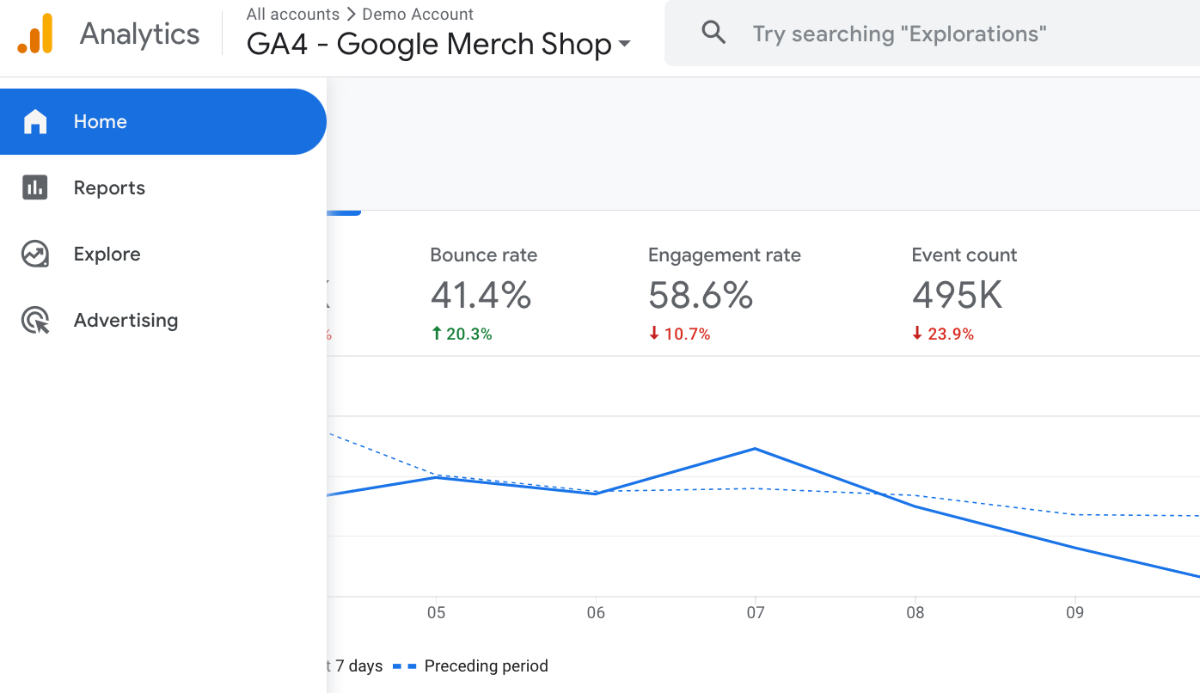
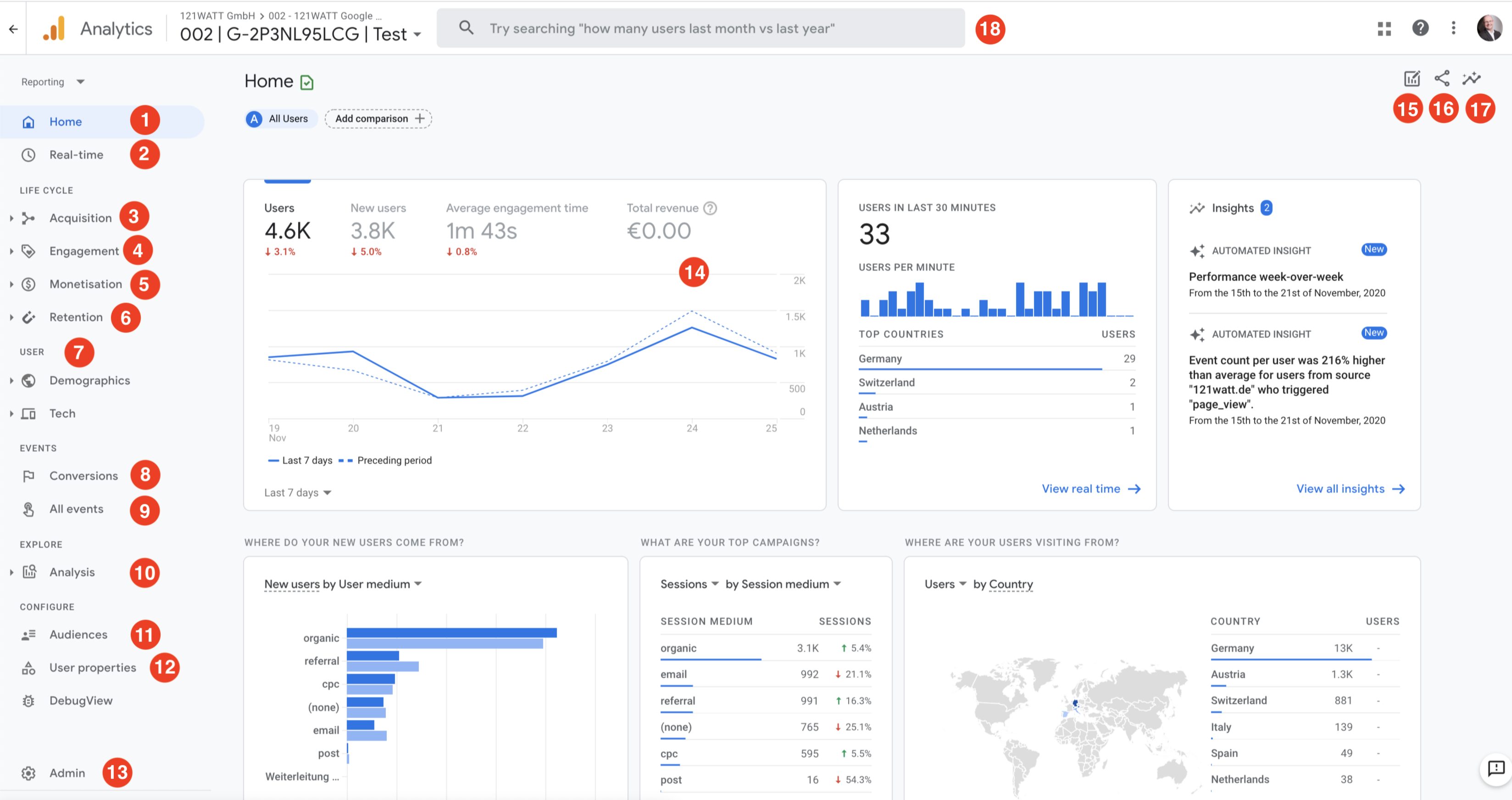
Google Analytics is a free website traffic analysis tool that collects data about visitors and presents it in an easy-to-read dashboard. It helps website owners understand user behavior, traffic sources, and performance trends.
The current version most websites use today is Google Analytics 4, also known as GA4.
In simple terms, Google Analytics converts visitor activity into meaningful insights.
What Does Google Analytics Do in Real Life?

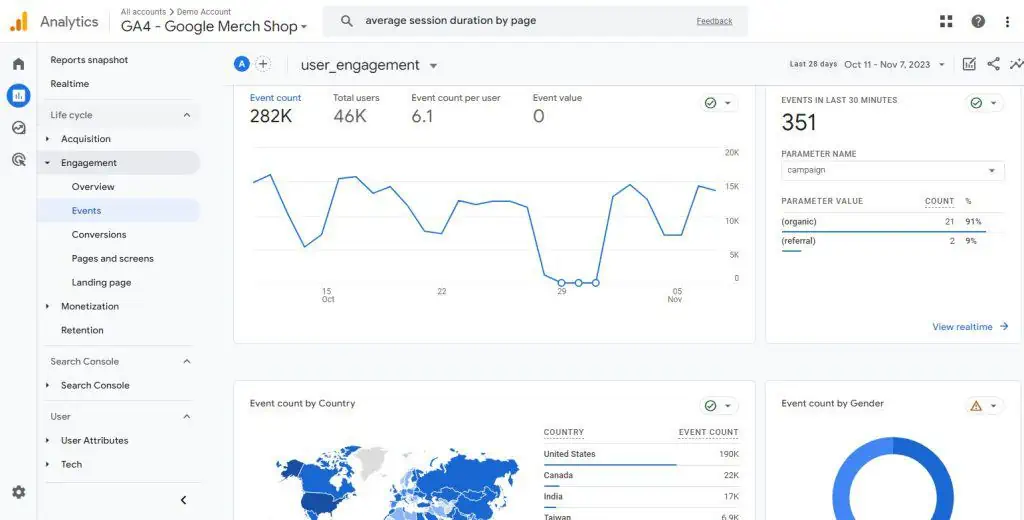
So again, what does Google Analytics do practically?
Google Analytics tracks, measures, and analyzes every important action users take on your website. It helps you understand not just how many people visit your site, but how they behave after visiting.
Instead of assumptions, you start making data-backed decisions.
Tracks Website Visitors and User Data

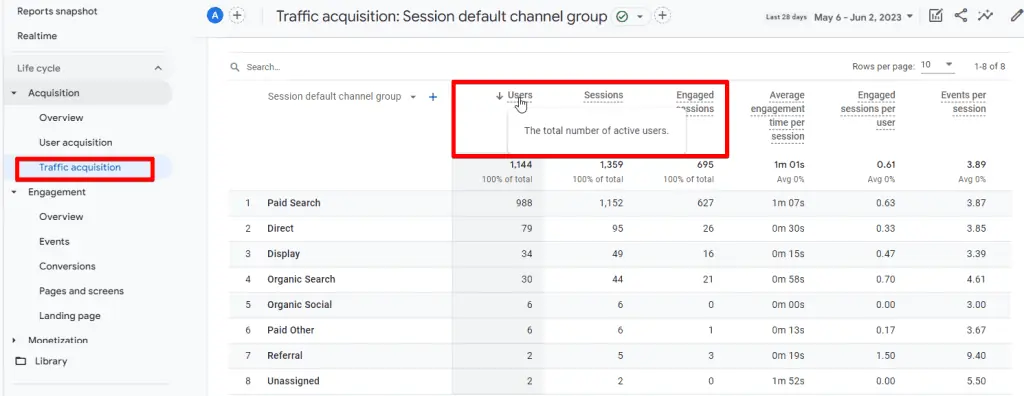
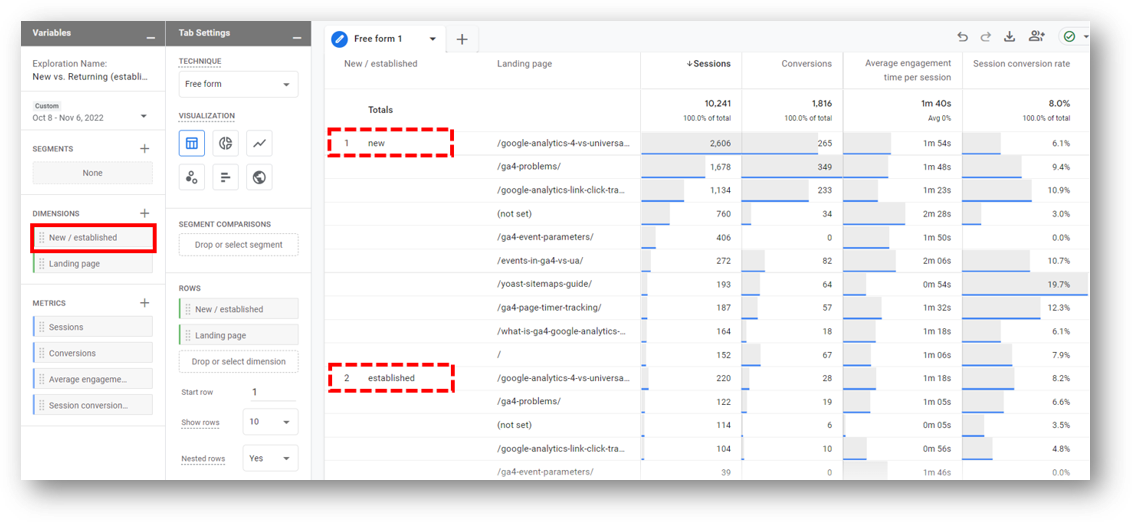
One of the most basic things Google Analytics does is track website visitors accurately.
It shows:
-
Total users and sessions
-
New users versus returning users
-
Device types like mobile or desktop
-
Visitor location at country and city level
This data helps you understand who your audience really is, not who you think they are.
Shows Exactly Where Traffic Comes From
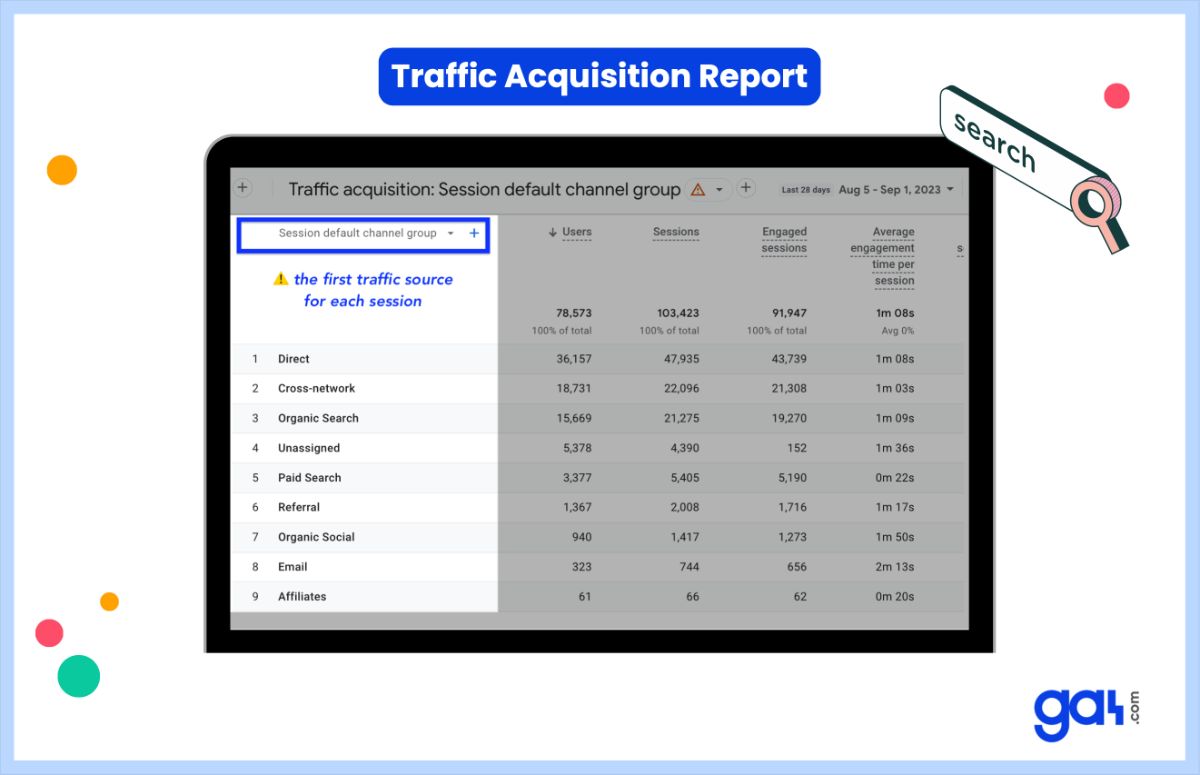

Another important answer to what does Google Analytics do is traffic source analysis.
Google Analytics clearly tells you whether traffic comes from:
-
Organic search results
-
Direct visits
-
Social media platforms
-
Referral websites
-
Paid advertisements
This helps you invest time and effort in the right traffic channels instead of guessing.
Explains Visitor Behavior on Your Website
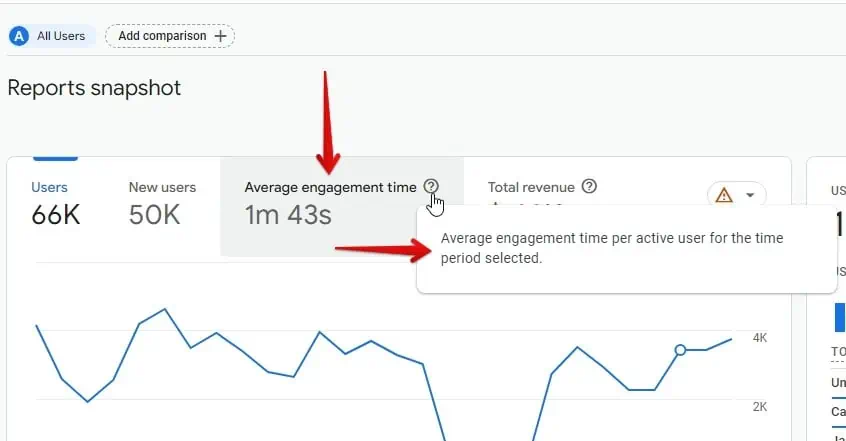
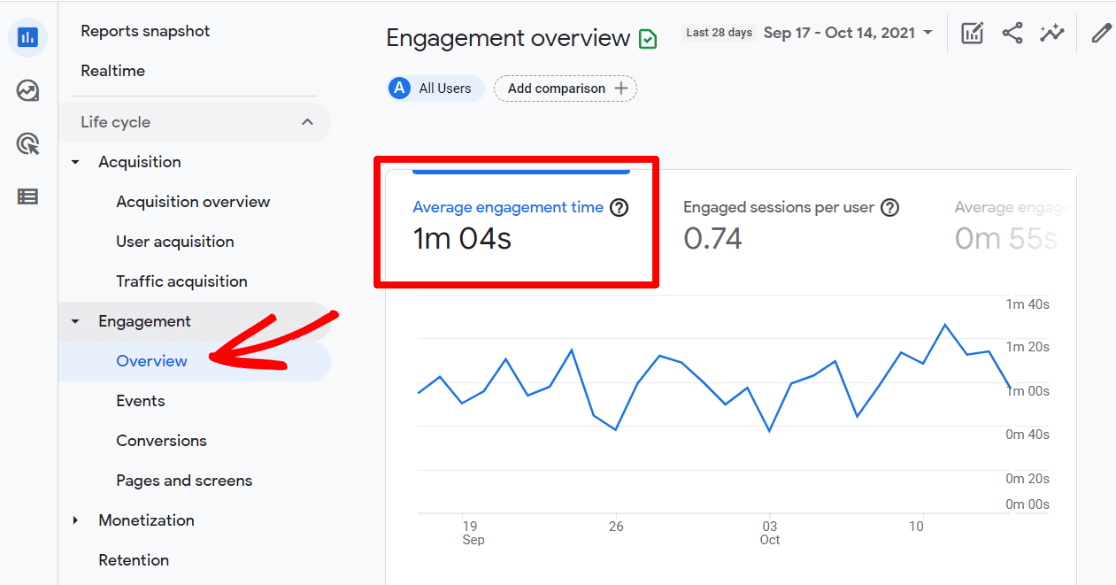

Google Analytics doesn’t stop at traffic numbers. It explains how visitors behave.
You can see:
-
Which page users land on first
-
How long they stay on each page
-
Which pages they exit from
-
Overall engagement time
This data helps you fix weak pages and improve content structure.
Tracks Events and Important Actions

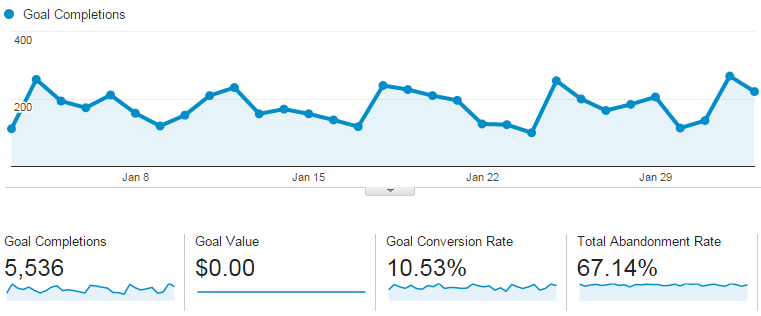
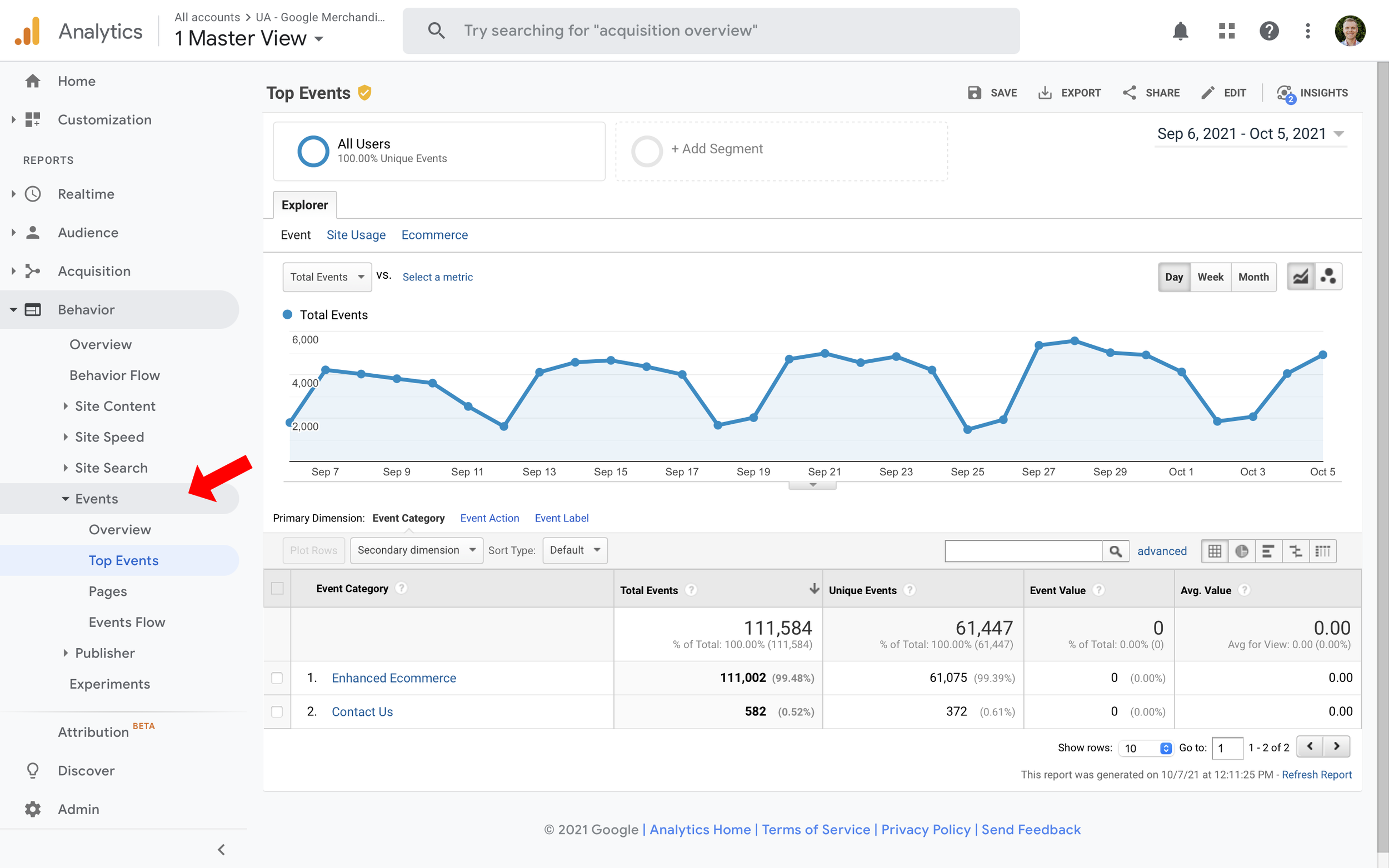
In GA4, every important interaction is tracked as an event.
Examples include:
-
Button clicks
-
Contact form submissions
-
WhatsApp or phone clicks
-
Purchases or sign-ups
You can mark key events as conversions, helping you understand what actually brings results.
How Google Analytics Helps SEO and Content Growth
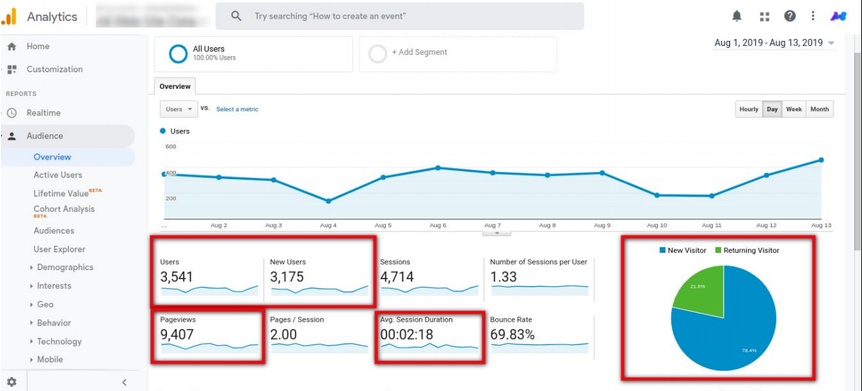

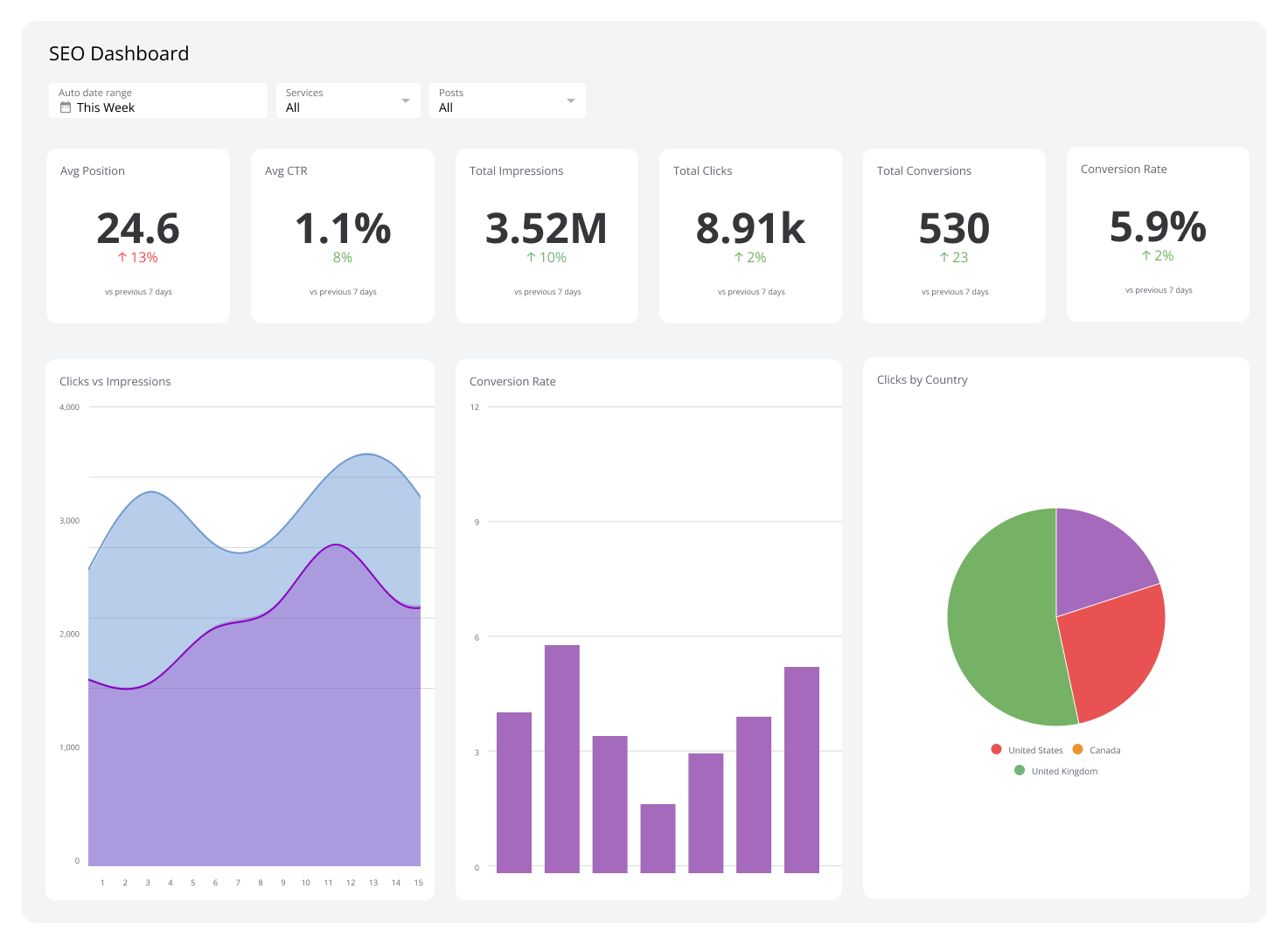
If you are serious about SEO, understanding what does Google Analytics do for SEO is critical.
Google Analytics helps you:
-
Identify pages bringing organic traffic
-
Improve pages with low engagement
-
Update content that ranks but doesn’t convert
-
Strengthen internal linking strategy
SEO becomes strategic instead of random.
To make better sense of traffic data and rankings together, it’s also important to understand SEO basics, which I’ve explained in detail in this guide on what SEO is and why it is important
Google Analytics for Beginners: Why It’s Essential
Many beginners feel Google Analytics is complicated. I felt the same initially. But once you understand what does Google Analytics do, the fear disappears.
Even beginners can use it to:
-
Track website visitors
-
Measure content performance
-
Understand audience intent
-
Improve decision-making
You don’t need advanced knowledge to benefit from it.
If you are just starting out and want to build traffic step by step, this beginner-friendly article on free traffic with SEO for new blogs will help you apply analytics insights more effectively.
How Google Analytics Works (Simple Breakdown)
Google Analytics works in a straightforward process:
-
A tracking code is installed on your website
-
User actions are tracked as events
-
Data is processed by Google
-
Reports are displayed inside the dashboard
The tool shows facts. Interpretation is up to you.
Google Analytics vs Google Search Console
Many people confuse these tools.
-
-
Google Search Console shows how your site performs in Google Search
-
-
Google Analytics shows what users do after landing on your website
Together, they provide a complete performance picture.
For deeper clarity on how search performance data differs from user behavior data, Google also explains this clearly in the Google Search Central guide.
Limitations of Google Analytics
To be honest, Google Analytics is powerful, but not perfect.
Some limitations include:
-
Data sampling in some reports
-
Learning curve with GA4
-
Privacy restrictions affecting tracking
-
Delayed reporting at times
Still, for most websites, it’s more than sufficient.
Is Google Analytics Free?
Yes. Google Analytics is completely free and suitable for bloggers, small businesses, and growing websites. Paid versions are only needed for large enterprises.
Final Thoughts
If you are asking what does Google Analytics do, the real answer is simple.
Google Analytics helps you understand reality.
It shows what’s working, what’s failing, and where improvement is needed. Once you start trusting data instead of assumptions, website growth becomes much more predictable.
Frequently Asked Questions
What does Google Analytics do exactly?
Google Analytics tracks website visitors, analyzes user behavior, measures traffic sources, and monitors conversions.
Is Google Analytics useful for beginners?
Yes, it’s highly useful. Beginners can start with basic reports and grow gradually.
Can Google Analytics track real-time users?
Yes, it shows live users, active pages, and ongoing events.
Is Google Analytics important for SEO?
Yes. SEO without analytics is guesswork.
Do I need coding skills to use Google Analytics?
No. Basic setup and usage do not require coding knowledge.