
 S
SStivio Review: Image to Video AI With No Subscription
Image to video AI that turns any photo into an HD MP4 clip from a simple prompt...
Peplio's take
Most image to video tools push you into a monthly subscription before you’ve even tested them. Stivio takes the opposite approach with one-time credit packs that never expire, a free first video and automatic refunds when a generation fails. That’s a fair, low-risk way to try AI video.
It’s especially useful for e-commerce sellers and marketers. Turning a flat catalog photo into a short scroll-stopping clip for ads or product pages usually needs a video shoot, and Stivio does it from one image and one sentence. Having several top video models in one place also means you’re not locked into one style.
The trade-off is that longer clips cost more credits, and AI motion can still look a bit unnatural on hands or faces. Also, only animate photos you own or have permission to use, especially photos of real people. Best for e-commerce sellers, social media creators, marketers and anyone who wants to bring old family photos to life.
Tested by Sougan Kumar Mandi, October 2026
What is Stivio Review: Image to Video AI With No Subscription?
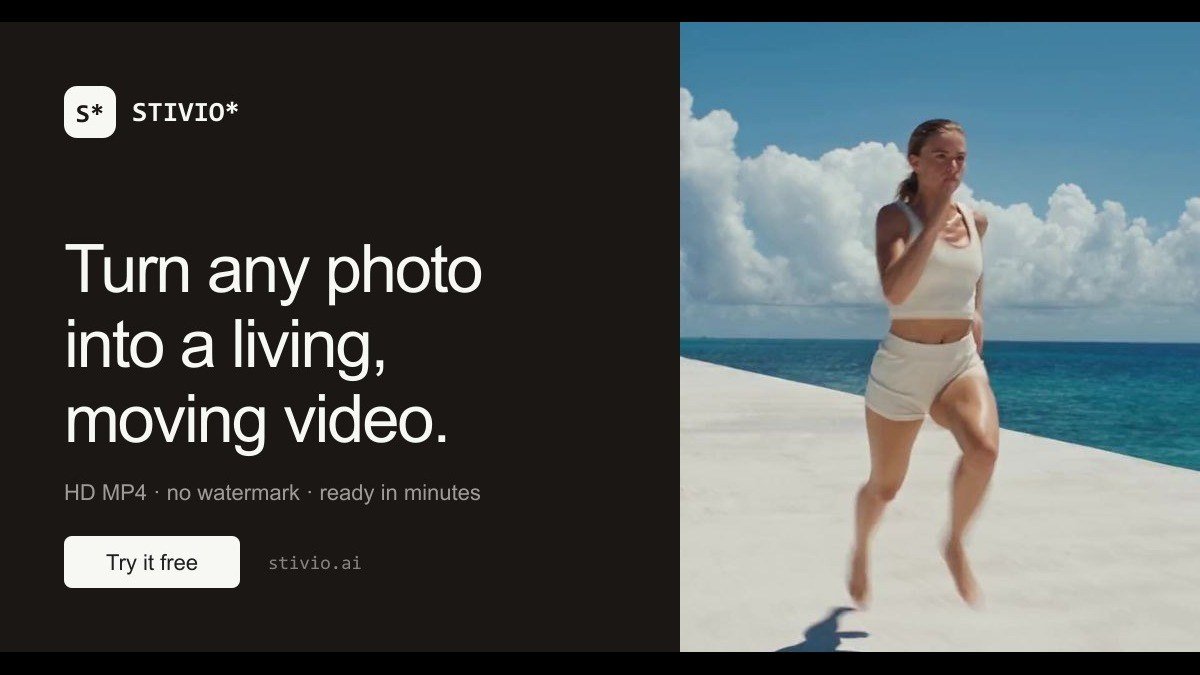
Stivio is an AI image-to-video generator. Upload any photo and turn it into a living, moving HD video in minutes. Powered by Kling O3, Kling 2.6, Wan 2.6, MiniMax H3 and Seedance models. Shows exact credit cost before generation, outputs 3-30 second HD MP4, auto-refunds credits on failure. Sign in with Google to get 10 free credits, first video free.
Best forE-commerce sellers and content creators looking to animate static product photos or portraits into short HD videos.
Key features
- Image to video generationTurn any photo into a moving HD video clip.
- Plain-English motion promptsDescribe desired animation in text, no keyframes needed.
- Multiple AI modelsPowered by advanced models like Kling O3 and Wan 2.6.
- HD MP4 exportDownload your creations as high-definition MP4 files.
- Auto-refund on failureCredits are automatically returned if a generation fails.
- Shareable linksGet stable links for your generated videos that last for a year.
Who should use Stivio Review: Image to Video AI With No Subscription?
- Animating product photos for online stores.
- Creating short, engaging videos from portraits.
- Bringing old family photos to life.
- Generating social media video content quickly.
How to use Stivio Review: Image to Video AI With No Subscription
- Upload your photo (PNG, JPEG, WebP).
- Describe the motion you want in plain English.
- Click 'Generate' and wait for your HD MP4 video.
- Download or share your new video clip.
Stivio Review: Image to Video AI With No Subscription FAQ
Is Stivio free to use?
Stivio offers a freemium plan. You can sign in with Google to receive 10 free credits, and your first video is free. Additional use requires credits.
Who is Stivio best suited for?
It's ideal for e-commerce sellers who want to animate product shots, marketers, bloggers, and creators who need to quickly produce video content from static images.
How does Stivio work?
You upload a photo, provide a text description of the motion you want, and Stivio's AI animates the image into an HD MP4 video in minutes.
Do I need to sign up to use Stivio?
Yes, you need to sign in with Google to get your initial free credits and start creating your first video.
Free alternatives to Stivio Review: Image to Video AI With No Subscription
See all AI tools M MangaTranslate Review: AI Comic and Manga TranslatorAI comic translator that reads, translates and re-letters manga dialogue in imagesAI tools
 A AI Readiness Check by SIMPLY.AIFree 15-question test that scores how ready your company is to use AI.AI tools
I ImageToSTLFreemium photo-to-textured-printable-3D-STL tool for makers. Convert photos into printableAI tools
D Dola AIGenerate short AI video clips from text prompts or reference images in a browser. SupportsAI tools
A AI Readiness Check by SIMPLY.AIFree 15-question test that scores how ready your company is to use AI.AI tools
I ImageToSTLFreemium photo-to-textured-printable-3D-STL tool for makers. Convert photos into printableAI tools
D Dola AIGenerate short AI video clips from text prompts or reference images in a browser. SupportsAI tools
 A Aident Loadout Review: Connect AI Agents to 1,000+ AppsGive your AI agents real capabilities: 1,000+ apps through one reusable setup.AI tools
A ArvowAI SEO agents that write, publish and get your site cited by AI search.AI tools
A Aident Loadout Review: Connect AI Agents to 1,000+ AppsGive your AI agents real capabilities: 1,000+ apps through one reusable setup.AI tools
A ArvowAI SEO agents that write, publish and get your site cited by AI search.AI tools
Reviews from makers
Makers who list on PeplioHUB test each other's tools. Be the first to review Stivio Review: Image to Video AI With No Subscription.
Have you tried Stivio Review: Image to Video AI With No Subscription?
Share what worked, what did not, or ask the maker a question.