
 C
CCutroom AI Video Editor
AI video editor that cuts by chat : approve the plan, then render...
Peplio's take
Video editing is one of the biggest time sinks for creators and small businesses. Cutting pauses, removing filler words and adding captions by hand can take hours for a short clip. Cutroom turns that into a conversation: you say what you want, and the AI does the tedious work.
The approval step is the smartest part. Many AI video tools render first and leave you to fix mistakes, wasting credits. Cutroom shows you the edit plan before rendering, so you can catch problems early and only spend credits on a cut you’re happy with. Refunding credits for failed renders is another fair touch.
The trade-off is that it works best for talking-head, tutorial and social clips rather than complex cinematic edits, and heavy use needs a paid plan. Best for founders, content creators, marketers and educators who want polished videos without learning editing software.
Tested by Sougan Kumar Mandi, October 2026
What is Cutroom AI Video Editor?
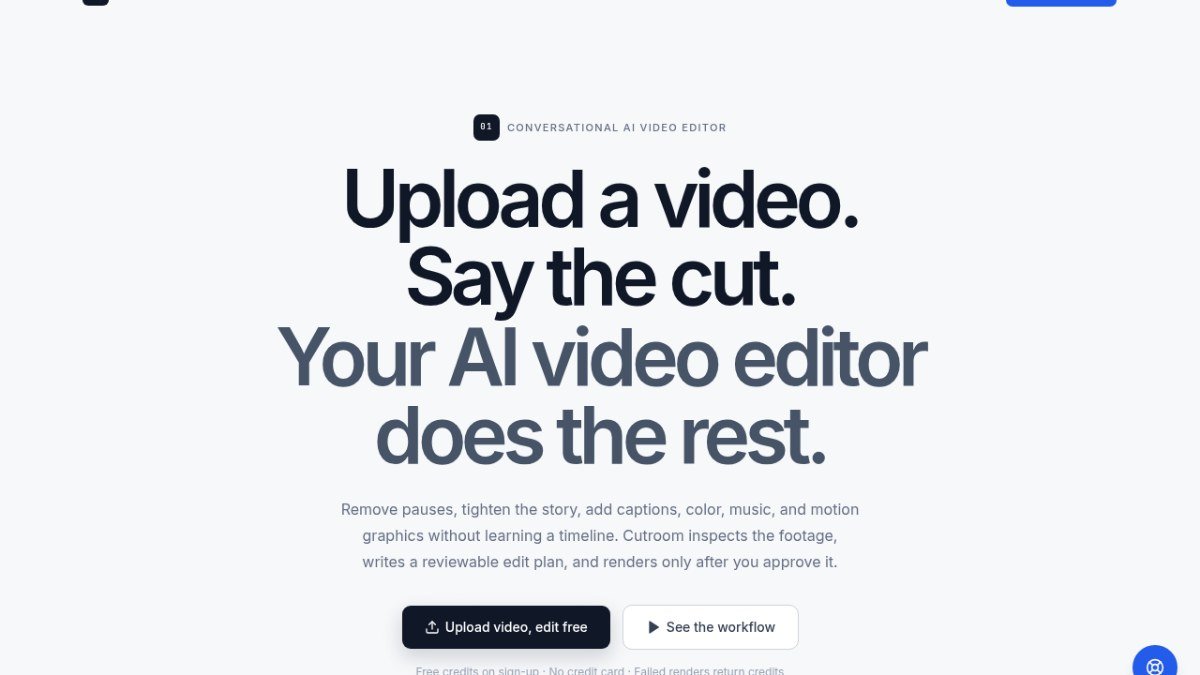
Cutroom AI Video Editor is a web-based tool designed to simplify video editing for creators and teams. Instead of navigating complex timelines, you can simply describe the edits you want using natural language. The AI analyzes your footage, creates a word-aligned edit plan, and allows you to preview and approve it before rendering.
This tool solves the problem of time-consuming and technical video editing processes. It enables users to quickly remove filler words, tighten pacing, add captions, adjust color, incorporate music, and apply motion graphics without needing to learn traditional editing software. The conversational interface makes it accessible for anyone to achieve professional-looking results, from long-form content to short social media clips.
Best forCreators and teams who want to edit videos using chat commands without learning complex timeline software.
Key features
- Conversational AI editingDescribe your desired edits using chat commands.
- AI-generated edit planThe AI creates a word-aligned plan for your review.
- Preview before renderApprove the edit plan and preview the changes before final rendering.
- Automated filler word removalThe AI can identify and remove pauses and filler words.
- Automated captioningGenerates natural sentence captions aligned with the spoken words.
- Multiple aspect ratiosSupports editing for various formats like 16:9, 9:16, and 1:1.
Who should use Cutroom AI Video Editor?
- Editing long-form interviews to remove filler words and tighten pacing.
- Creating short, engaging vertical clips for social media platforms.
- Producing product launch videos with consistent branding and timing.
- Developing clear and concise screen tutorials with emphasized key moments.
How to use Cutroom AI Video Editor
- Upload your video footage to the platform.
- Describe the edits you want using the chat interface.
- Review the AI-generated edit plan and preview the changes.
- Approve the plan for the AI to render the final video.
Cutroom AI Video Editor FAQ
Is Cutroom AI Video Editor free to use?
Cutroom offers a freemium model. New accounts receive free credits to start editing, and no credit card is required to begin using the service.
Who is the target audience for Cutroom AI Video Editor?
This tool is designed for creators and teams, including marketers, bloggers, and content creators, who want to produce finished video cuts efficiently without extensive editing knowledge.
How does Cutroom AI Video Editor compare to traditional video editors?
Unlike traditional editors that rely on manual timeline manipulation, Cutroom uses a conversational AI approach. You describe edits, and the AI generates and executes them, offering a faster and more accessible workflow.
Do I need to sign up to use Cutroom AI Video Editor?
Yes, you will need to sign up for an account to start using Cutroom AI Video Editor. New accounts are provided with free credits upon signing up.
Free alternatives to Cutroom AI Video Editor
See all Video and audio tools A AllSubConverterFree subtitle converter and toolkit for SRT, VTT, ASS and more.Video and audio
 B beREELBrand Reels from your website. 170 free credits, no cardVideo and audio
 J Jinverse ChaptersFix YouTube chapters that won't show upVideo and audio
 C Companies Builder : Free AI SEO & Performance AuditorCompanies Builder offers a free AI-powered SEO and performance auditor. Paste your website URL and it instantly analyses your Core Web Vitals,...Other
 M MangaTranslate Review: AI Comic and Manga TranslatorAI comic translator that reads, translates and re-letters manga dialogue in imagesAI tools
Reviews from makers
Makers who list on PeplioHUB test each other's tools. Be the first to review Cutroom AI Video Editor.
Have you tried Cutroom AI Video Editor?
Share what worked, what did not, or ask the maker a question.