
 J
JJinverse Chapters
Fix YouTube chapters that won't show up
Peplio's take
YouTube chapters are a small detail with a big payoff: they help viewers jump to what they want, can appear in Google search results and make long videos easier to watch. But one tiny mistake, like a first chapter at 0:01 or a section under 10 seconds, and YouTube silently ignores all of them. This tool catches those mistakes instantly.
The best part is how much it handles beyond YouTube. Podcasters can export Podcasting 2.0 JSON chapters, and video editors get FFmpeg metadata, so one list of timestamps works everywhere. The time shift is a real time-saver when you cut a few seconds from your intro and every timestamp needs moving.
The trade-off is that it doesn’t create chapters for you from the video, so you still need to write your own timestamps and titles. Best for YouTubers, podcasters, video editors and marketers who publish long-form videos.
Tested by Sougan Kumar Mandi, October 2026
What is Jinverse Chapters?
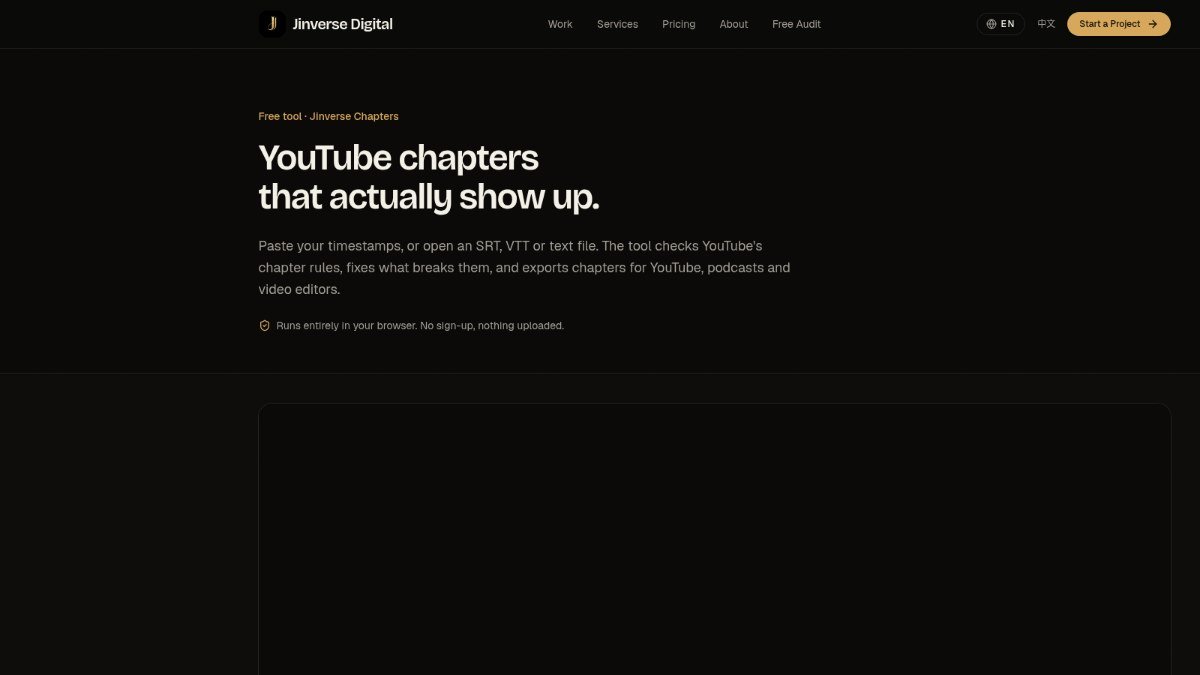
Jinverse Chapters helps you create YouTube chapters that reliably appear on your videos. Many creators struggle because YouTube has specific rules for chapters: the first timestamp must be 0:00, there need to be at least three chapters, and each chapter must be at least 10 seconds long. If these rules aren't met, your chapters might not show up at all, frustrating viewers who want to navigate your content.
This tool solves that problem by checking your chapter list against YouTube's requirements. It can automatically fix most issues with a single click, and you can even shift all timestamps at once. Jinverse Chapters can also read timestamps from various messy inputs, like plain text notes or subtitle files (SRT, VTT), and then export the corrected chapters in multiple formats suitable for YouTube, podcasts, or video editing software.
Best forCreators who want their YouTube chapters to display correctly and be easily navigable by viewers.
Key features
- Checks YouTube chapter rulesEnsures the first timestamp is 0:00, there are at least three chapters, and each is at least 10 seconds long.
- One-click auto-fixAutomatically corrects most common issues that prevent chapters from showing.
- Timestamp shiftingAllows you to adjust all timestamps simultaneously.
- Reads various inputsAccepts plain text notes with timestamps or SRT and VTT subtitle files.
- Multiple export formatsExports chapters as YouTube description text, WebVTT, FFmpeg metadata, Podcasting 2.0 JSON, Markdown, or CSV.
- Chapter length tableDisplays a table showing the duration of each chapter.
Who should use Jinverse Chapters?
- Ensuring your YouTube video chapters appear correctly for viewers.
- Formatting timestamps from notes or subtitle files for YouTube.
- Generating chapter data for podcasts or embedding into video files.
- Quickly fixing chapter issues without complex editing.
How to use Jinverse Chapters
- Paste your timestamps or open a VTT, SRT, or TXT file.
- Use the auto-fix feature or manually correct any flagged issues.
- Select your desired export format and copy or download the output.
Jinverse Chapters FAQ
Why are my YouTube chapters not showing?
YouTube requires the first chapter to start at 0:00, have at least three chapters in total, and each chapter must be at least 10 seconds long. Jinverse Chapters checks and helps fix these specific rules.
Is Jinverse Chapters free to use?
Yes, Jinverse Chapters is a free tool.
Do I need to sign up or upload my files?
No, the tool runs entirely in your browser. Your files are read locally and are not uploaded anywhere, and no sign-up is required.
Can I use this tool for podcasts?
Yes, Jinverse Chapters can export chapters in Podcasting 2.0 JSON format and FFmpeg metadata, which are suitable for use with podcasts and audio/video files.
Free alternatives to Jinverse Chapters
See all Video and audio toolsJinverse Chapters is listed as a free alternative to Manual timestamp writing, YouTube auto-chapters, Descript chapter export. Here are more free tools from the PeplioHUB community.
 A AllSubConverterFree subtitle converter and toolkit for SRT, VTT, ASS and more.Video and audio
 B beREELBrand Reels from your website. 170 free credits, no cardVideo and audio
 C Cutroom AI Video EditorAI video editor that cuts by chat : approve the plan, then renderVideo and audio
 C Companies Builder : Free AI SEO & Performance AuditorCompanies Builder offers a free AI-powered SEO and performance auditor. Paste your website URL and it instantly analyses your Core Web Vitals,...Other
 A AI Visibility TrackerAI Visibility Tracker helps you check if your website or content is being cited by AI tools like ChatGPT, Perplexity, and Google...SEO
 M MangaTranslate Review: AI Comic and Manga TranslatorAI comic translator that reads, translates and re-letters manga dialogue in imagesAI tools
Reviews from makers
Makers who list on PeplioHUB test each other's tools. Be the first to review Jinverse Chapters.
Have you tried Jinverse Chapters?
Share what worked, what did not, or ask the maker a question.