
 C
Crawler Conflict
Free AI crawler policy conflict checker : GPTBot vs OAI-SearchBot, plain English
About this tool
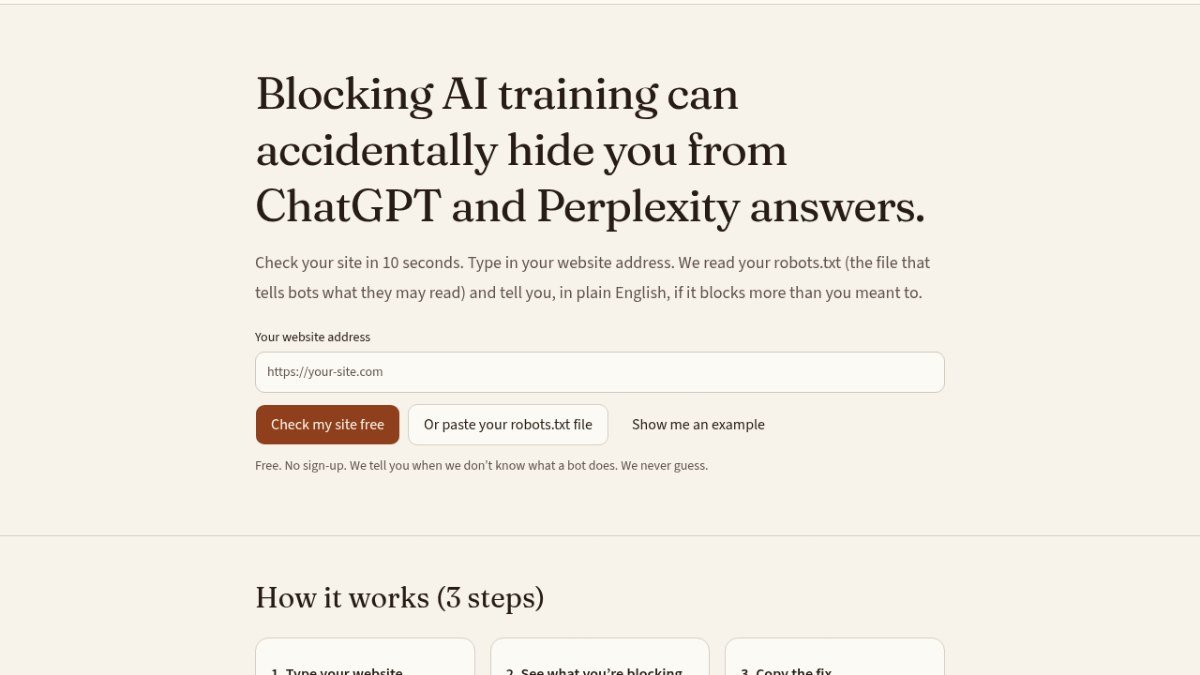
Crawler Conflict is a free web app that checks your website's robots.txt file to ensure it's configured correctly for AI crawlers. Many websites accidentally block AI training bots like GPTBot or AI search bots like OAI-SearchBot, which can prevent your content from being used to train AI models or cited in AI search results.
This tool helps you understand the complex rules in your robots.txt file in plain English. It identifies potential conflicts, such as blocking AI training while also blocking AI search, which could lead to AI tools like ChatGPT stopping linking to your site. By analyzing your robots.txt, Crawler Conflict helps you avoid unintended consequences and ensures your content is accessible to the AI tools you want it to be.
The service provides clear explanations and suggests simple fixes, allowing you to adjust your settings to either allow AI training and search, deny both, or choose a custom configuration. It aims to help bloggers and publishers maintain visibility and control over how their content is used by AI.
Best for: Bloggers and publishers who want to ensure their content is discoverable and usable by AI search and training bots.
Key features
AI crawler policy checkerAnalyzes your robots.txt file for conflicts related to AI training and search bots.
Plain English explanationsTranslates complex robots.txt rules into easy-to-understand language.
Conflict identificationHighlights accidental blocks that could hide your site from AI tools.
Suggested fixesProvides simple code snippets to resolve identified conflicts.
Bot type categorizationDifferentiates between training bots, search bots, and helper bots.
Unknown bot reportingLists any bots it doesn't recognize without guessing.
Perfect for
Checking if your "Block AI" plugin settings are too restrictive.
Ensuring ChatGPT and Perplexity can still cite your articles.
Understanding how GPTBot and OAI-SearchBot interact with your site.
Quickly verifying robots.txt changes after website updates.
Preventing accidental content hiding from AI search engines.
How to use Crawler Conflict
- Enter your website address or paste your robots.txt file.
- Review the plain English analysis of your AI crawler rules.
- Implement the suggested code snippet to fix any conflicts.
Pricing
Crawler Conflict FAQ
Is Crawler Conflict free to use?
Yes, Crawler Conflict is completely free. There is no cost to check your robots.txt file or receive suggestions for improvement.
Who benefits most from using this tool?
Bloggers and small publishers, especially those using platforms like WordPress with AI blocking plugins, will find this tool most valuable. It helps them manage their site's visibility to AI.
Do I need to sign up to use Crawler Conflict?
No, there is no sign-up required. You can use the tool immediately by entering your website address or pasting your robots.txt file.
How does this tool help me if I've blocked AI training?
If you've blocked AI training bots like GPTBot, you might have also accidentally blocked AI search bots like OAI-SearchBot. This can cause AI tools like ChatGPT to stop linking to your site. Crawler Conflict helps you identify and fix this specific conflict.
Reviews from makers
Makers who list on PeplioHUB test each other's tools. Be the first to review Crawler Conflict.
Have you tried Crawler Conflict?
Share what worked, what did not, or ask the maker a question.