
 G
About this tool
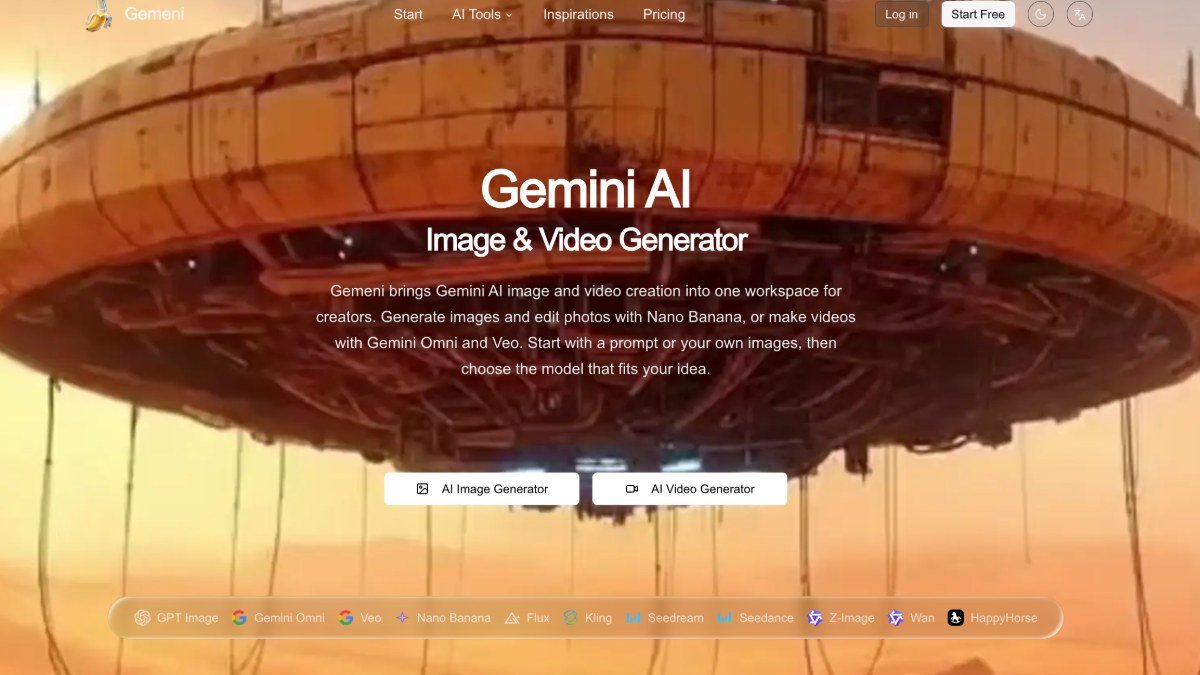
Gemeni is an online workspace that uses AI to help you generate images, edit photos, and create videos. It solves the problem of needing multiple tools and complex software to bring visual ideas to life. Whether you have a clear concept or just a starting point like a text description or an existing image, Gemeni provides the AI models and controls to refine your visuals.
You can experiment with different visual styles, adjust lighting and colors, and even develop short video concepts. This makes it easier for creators and small teams to produce marketing materials, social media content, product visuals, or storyboards without a steep learning curve or expensive software.
Best for: Creators and small teams looking to generate and edit images or create short videos using AI.
Key features
AI Image GenerationCreate images from text prompts or reference images using various AI models.
Photo EditingEdit existing photos to change backgrounds, colors, or composition.
AI Video CreationGenerate short videos from text descriptions or by animating still images.
Multiple AI ModelsChoose from different AI models like Nano Banana, Gemini Omni, and Veo for specific image or video tasks.
Style and Refinement ControlsAdjust visual styles, lighting, and colors to fine tune your creations.
Input FlexibilityStart projects with text prompts, uploaded images, or even video clips.
Perfect for
Generating unique visuals for blog posts or social media.
Creating product mockups or lifestyle shots for e-commerce.
Developing storyboards or concept art for video projects.
Editing existing photos to improve their quality or change elements.
Experimenting with different artistic styles for marketing campaigns.
How to use Gemeni
- Choose your creation type: image generation, photo editing, or video creation.
- Provide your input: enter a text prompt or upload a reference image/video.
- Select an AI model and adjust settings like style, lighting, or aspect ratio.
- Generate your visual and refine it further using the available editing tools.
- Download your final image or video.
Pricing
Gemeni FAQ
Is Gemeni free to use?
Gemeni offers a freemium pricing model. This means there is a free starting option available, alongside paid plans for more advanced features or higher usage limits.
Who is Gemeni best suited for?
Gemeni is designed for creators, bloggers, marketers, and small teams who need to generate visuals or short videos without extensive technical skills or software.
What AI models does Gemeni use?
Gemeni utilizes various AI models for different tasks, including Nano Banana for image generation and editing, and Gemini Omni and Veo for video creation. Specific model availability may vary.
Do I need to sign up to use Gemeni?
While the exact requirements can vary, most AI generation tools require an account to manage usage and saved projects. It's likely you will need to sign up to access the free tier.
Reviews from makers
Makers who list on PeplioHUB test each other's tools. Be the first to review Gemeni.
Have you tried Gemeni?
Share what worked, what did not, or ask the maker a question.