
 M
About this tool
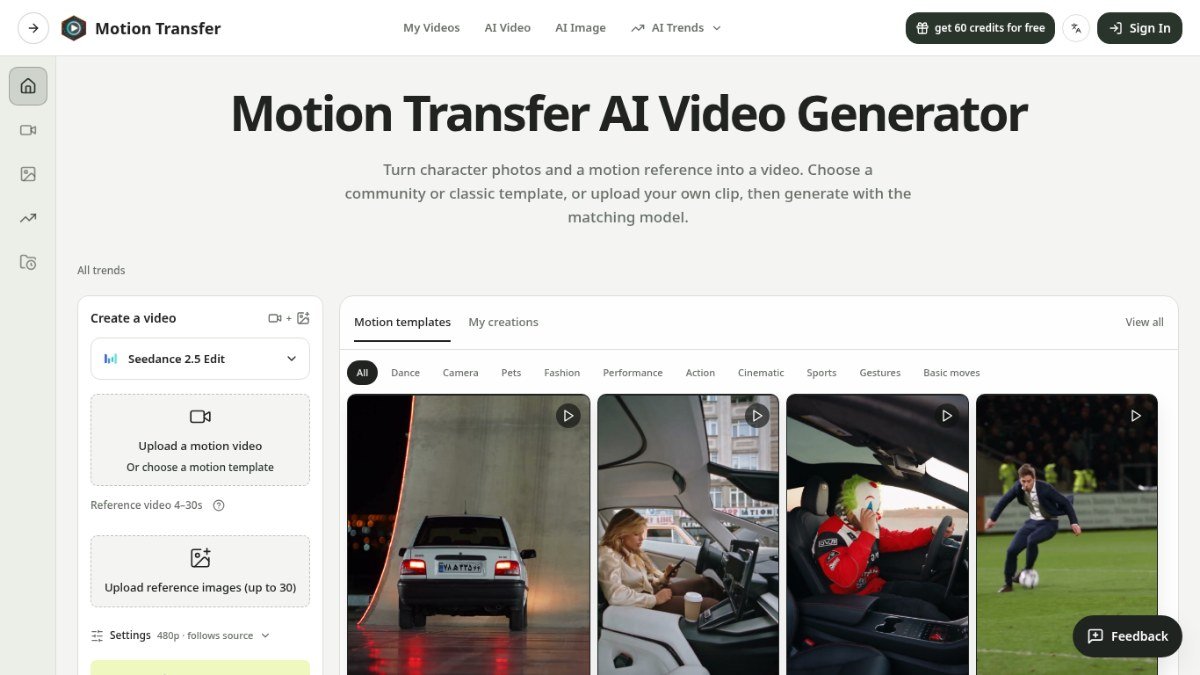
Motion Transfer is a web-based AI tool that helps you create viral video trends from a single photo. It solves the problem of needing complex editing skills or extensive prompt engineering to participate in popular online video trends. Instead of figuring out how to replicate a trend, you can choose from a library of pre-made AI video effects and templates.
The process is designed to be simple: select a trend, upload a photo of yourself, a pet, or a character, and the tool generates the video clip for you. This allows creators to quickly jump on trending topics and produce engaging content without a steep learning curve or time-consuming setup. It's ideal for anyone looking to leverage current internet culture for their content.
Best for: Creators who want to easily participate in viral video trends without technical expertise.
Peplio's take
Motion Transfer is a great option for anyone looking to quickly jump on popular video trends without a steep learning curve. Its strength lies in its simplicity and library of ready-made effects, making content creation accessible. Before relying on it for critical projects, check the quality of the generated output for your specific use case, as AI results can vary.
Peplio summary based on the maker's details and the tool's website, November 2026
Key features
Template libraryAccess a wide range of pre-made AI video effect templates for popular trends.
Photo to video generationTurn a static photo into a dynamic video clip using AI.
One-click trend participationQuickly create videos that match current viral trends.
No prompt writing neededGenerate videos without needing to write complex AI prompts.
Multiple motion templatesChoose from community or classic templates, or upload your own reference clip.
Perfect for
Creating a fun video for social media using a popular dance trend.
Making a pet appear in a viral AI video effect.
Quickly generating content to join a trending meme format.
Turning a character illustration into a short animated clip.
How to use Motion Transfer
- Choose a motion template or upload a reference video.
- Upload your photo (of yourself, a pet, or a character).
- Select settings like resolution and check the estimated credits.
- Generate and download your AI-powered video clip.
Pricing
Motion Transfer FAQ
Is Motion Transfer free to use?
Motion Transfer offers a freemium pricing model. This means there are free options available, but advanced features or higher usage might require payment.
Who is Motion Transfer best suited for?
It's ideal for content creators, marketers, and bloggers who want to quickly create engaging videos for social media by participating in viral trends without needing advanced editing skills.
Do I need to sign up to use Motion Transfer?
Yes, you will be prompted to sign in when you are ready to generate your video. This is likely to manage your creations and usage.
How does Motion Transfer compare to other AI video tools?
Motion Transfer focuses specifically on turning photos into viral video trends using pre-made templates, simplifying the process compared to tools that require detailed prompt engineering or complex model settings.
Reviews from makers
Makers who list on PeplioHUB test each other's tools. Be the first to review Motion Transfer.
Have you tried Motion Transfer?
Share what worked, what did not, or ask the maker a question.