
 T
About this tool
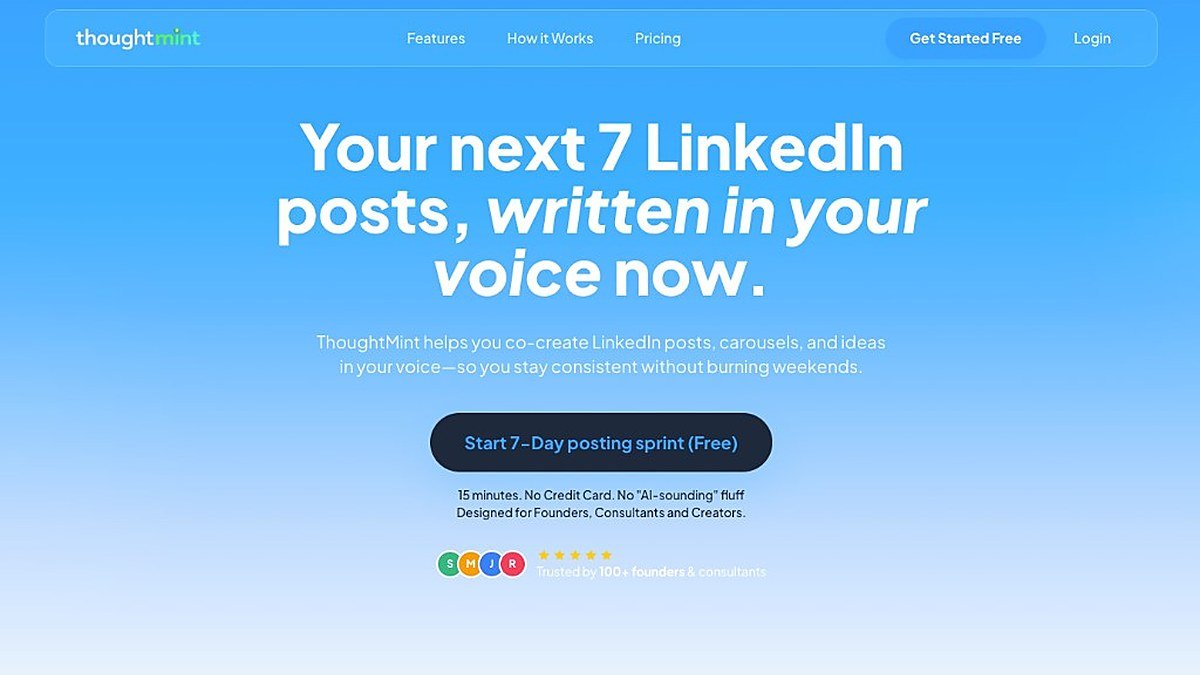
ThoughtMint is an AI-powered LinkedIn writing assistant designed to help busy professionals create content that sounds authentically like them. It addresses the common challenge of maintaining a consistent online presence, especially when client work demands most of your time. Instead of generic posts that get overlooked, ThoughtMint helps you craft content that reflects your unique perspective and expertise.
The tool transforms your raw ideas and positioning into polished LinkedIn posts and carousels, ensuring your voice remains consistent without sacrificing your weekends. It's built for founders, consultants, and coaches who want to avoid the pipeline gaps that arise from inconsistent posting. By making AI work for your lead generation, ThoughtMint offers a solution that is more personal than standard AI tools and more efficient than writing everything yourself.
Best for: Founders, consultants, and coaches who want to maintain a consistent and authentic LinkedIn presence without spending hours writing posts.
Key features
AI post generationCreates LinkedIn posts and carousel drafts based on your input.
Voice personalizationAdapts to your writing style over time with edits.
Post ideasSuggests relevant content ideas based on your profile.
Carousel creationHelps design multi-slide carousels for LinkedIn.
Free trialOffers a no-credit-card-required trial with a word limit or time limit.
Perfect for
Creating consistent weekly LinkedIn posts even during busy client periods.
Developing engaging carousel posts to share expertise on LinkedIn.
Ensuring LinkedIn content reflects a personal brand and unique voice.
Generating post ideas to fill content gaps and maintain visibility.
How to use ThoughtMint
- Sign up using Google or email.
- Answer three setup questions about your work and audience.
- Choose a suggested post idea for ThoughtMint to draft.
- Edit the draft and ask for variations if needed.
- Copy the final post and publish it on LinkedIn.
Pricing
ThoughtMint FAQ
Is ThoughtMint free to use?
ThoughtMint offers a freemium model. You can try it with a free trial that includes a set number of AI words or a 7-day period, with no credit card required to start.
Who benefits most from ThoughtMint?
It's ideal for founders, consultants, and coaches who need to maintain a consistent LinkedIn presence but lack the time to write posts themselves.
How does ThoughtMint compare to ChatGPT?
While both use AI, ThoughtMint focuses on capturing your unique voice and positioning for LinkedIn content. It aims to sound like you, not like generic AI output, and helps build carousels.
Do I need to sign up to use ThoughtMint?
Yes, you need to sign up using your Google account or email address to start using the tool and access the free trial.
Reviews from makers
Makers who list on PeplioHUB test each other's tools. Be the first to review ThoughtMint.
Have you tried ThoughtMint?
Share what worked, what did not, or ask the maker a question.