
 H
H3 MiniMax
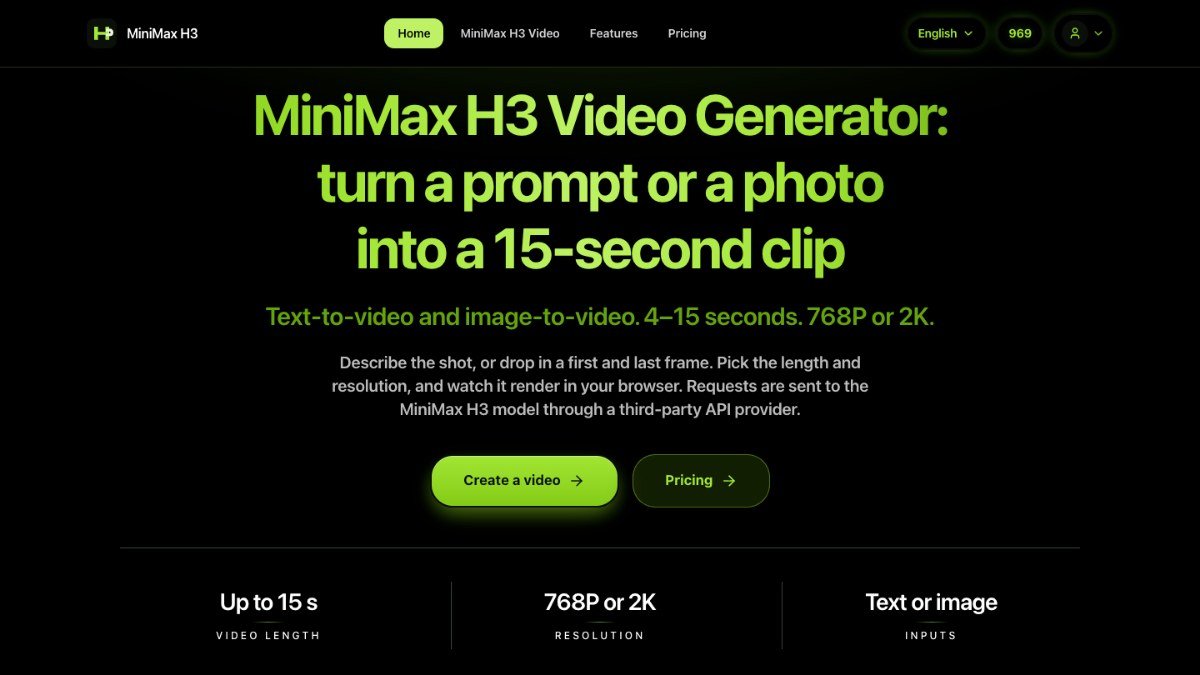
Turn text prompts or photos into short AI videos with the MiniMax H3 model
About this tool
H3 MiniMax is a web-based tool that transforms your text prompts or photos into short AI-generated video clips. It simplifies the process of creating dynamic visuals by leveraging the MiniMax H3 video model through an easy-to-use browser interface.
This tool addresses the challenge of producing engaging video content without complex software or extensive editing skills. Whether you have a specific scene in mind or a still image you want to animate, H3 MiniMax allows you to describe your vision or upload a frame, select basic settings, and let the AI handle the generation. The service manages the task submission, progress tracking, and playback of your finished video directly within the web page.
Best for: Creators and marketers who want to quickly generate short, animated video clips from text or images.
Key features
Text to videoCreate video clips by describing a scene in text.
Image to videoTurn a still photo into a short video.
Customizable clip lengthChoose video durations from 4 to 15 seconds.
Multiple resolutionsGenerate videos in 768P or 2K quality.
Frame controlSpecify first and last frames for image-to-video conversions.
Sound generationAI automatically adds sound or you can describe desired audio in your prompt.
Perfect for
Creating social media video posts from a simple idea.
Animating a product photo for an advertisement.
Generating visual content for blog posts or articles.
Experimenting with AI video generation for creative projects.
How to use H3 MiniMax
- Sign up with Google to receive free trial credits.
- Choose to input a text prompt or upload a photo.
- Set the desired clip length and resolution.
- Describe any specific visual or audio elements you want.
- Initiate the video generation and watch it render.
Pricing
H3 MiniMax FAQ
Is H3 MiniMax free to use?
H3 MiniMax offers a freemium model. You can sign up with Google to receive free trial credits to start generating videos. Credits are used per generation and returned if the task fails.
Who is H3 MiniMax for?
This tool is ideal for marketers, bloggers, creators, and anyone who needs to produce short video content quickly without specialized skills or software.
How long can the videos be?
You can create video clips with a duration of up to 15 seconds. You can select specific lengths ranging from 4 to 15 seconds.
Do I need to create an account?
Yes, you need to sign up with Google to get free trial credits and start generating videos. No credit card is required for signup.
Reviews from makers
Makers who list on PeplioHUB test each other's tools. Be the first to review H3 MiniMax.
Have you tried H3 MiniMax?
Share what worked, what did not, or ask the maker a question.