
 S
Screen Issues
Free online screen tests and troubleshooting guides. No downloads required.
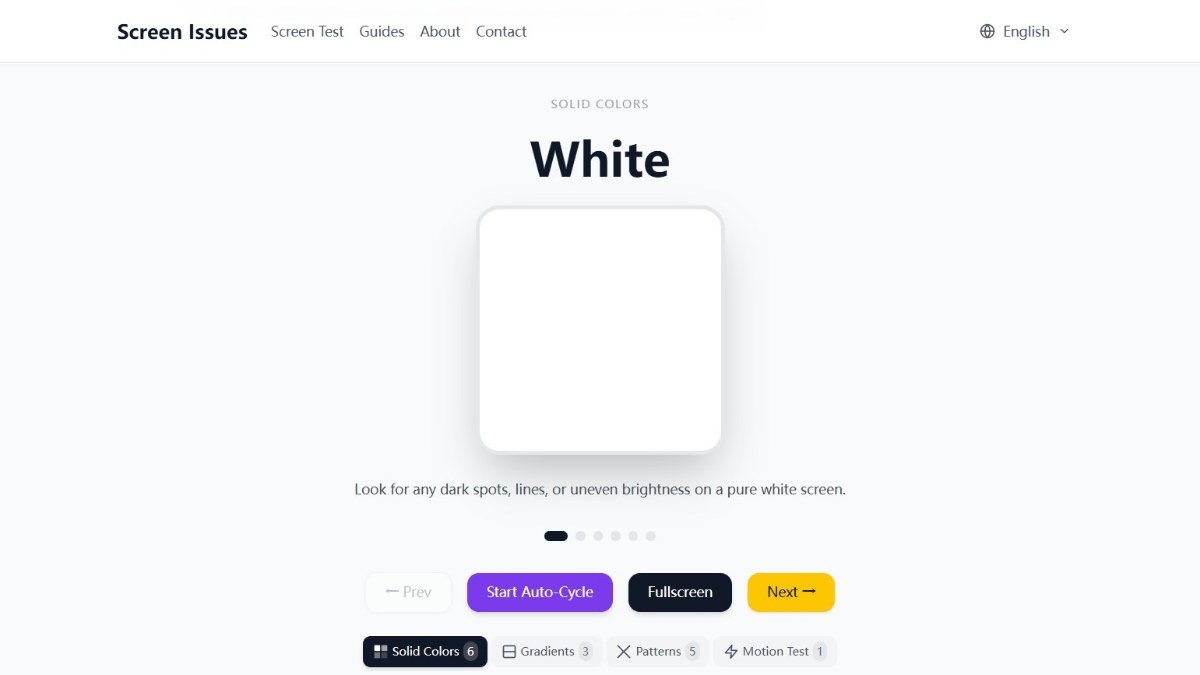
About this tool
Screen Issues is a free online tool designed to help you quickly identify and diagnose common problems with your computer monitor or display.
If you're experiencing visual anomalies like dead pixels, lines across your screen, color inaccuracies, or flickering, Screen Issues provides a straightforward way to test your display without needing to download any software. It offers various test modes to thoroughly check your screen's performance and pinpoint the exact nature of the issue, saving you time and potential frustration when troubleshooting display problems.
Best for: Anyone experiencing visual problems with their computer screen or display.
Key features
Dead Pixel TestChecks for stuck or dead pixels on your screen.
Line TestDetects horizontal and vertical lines that may indicate a problem.
Color TestAssesses color accuracy and uniformity across your display.
Flickering TestHelps identify if your screen is flickering.
No Download RequiredAccess and use the tool directly in your web browser.
Perfect for
Diagnosing dead pixels on a new monitor.
Checking for screen defects before buying a used display.
Troubleshooting visual glitches like lines or color banding.
Verifying screen performance after a computer repair.
How to use Screen Issues
- Navigate to the Screen Issues website.
- Select the type of test you want to run (e.g., dead pixels, color).
- Follow the on screen instructions to cycle through the test patterns.
- Observe your screen for any anomalies or issues.
Pricing
Screen Issues FAQ
Is Screen Issues free to use?
Yes, Screen Issues is completely free to use. There are no hidden costs or premium versions.
Who can benefit from using Screen Issues?
Anyone experiencing problems with their computer monitor or display can benefit, including gamers, designers, students, and general computer users.
Do I need to download any software to use Screen Issues?
No, Screen Issues is a web application. You can use it directly in your browser without any downloads or installations.
What kind of screen problems can Screen Issues help diagnose?
It can help diagnose issues such as dead pixels, stuck pixels, lines on the screen, color problems, and flickering.
Reviews from makers
Makers who list on PeplioHUB test each other's tools. Be the first to review Screen Issues.
Have you tried Screen Issues?
Share what worked, what did not, or ask the maker a question.