
 T
This Pic Can Change
On-device iOS toolkit: compress images and turn videos into Live Photos
About this tool
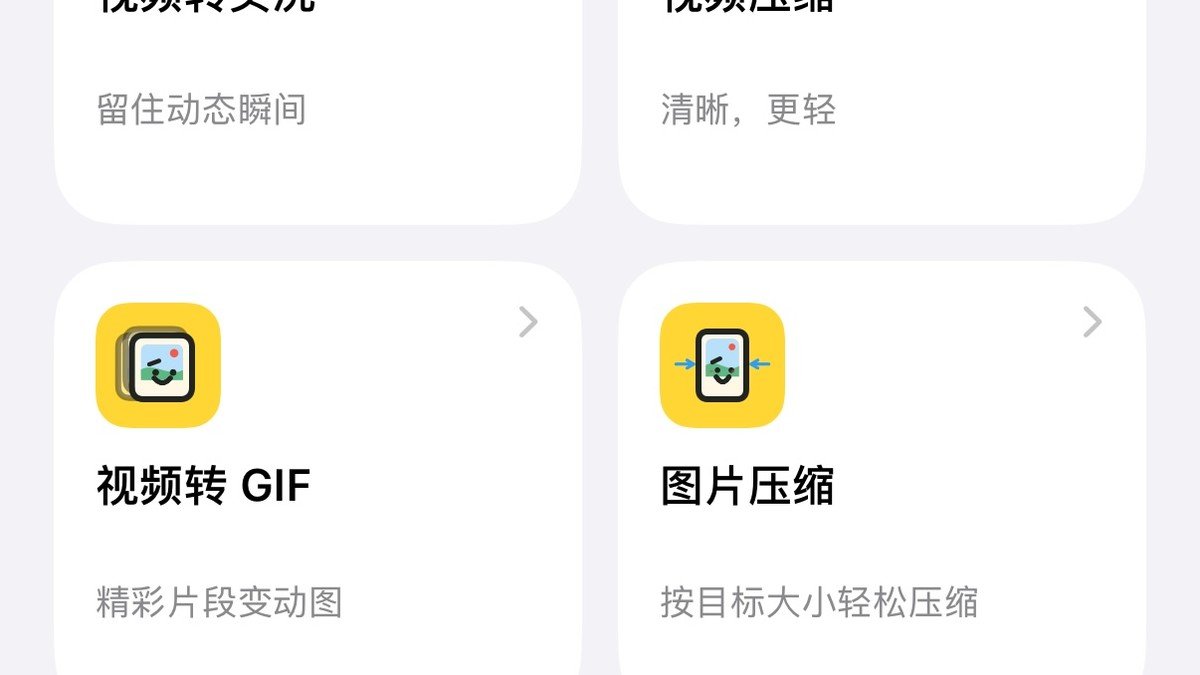
This Pic Can Change is an on-device iOS toolkit designed to help you manage your photos and videos efficiently. It solves the common problem of dealing with large image files or wanting to repurpose video clips for different uses. You can compress images to a specific file size, ensuring they are suitable for sharing or uploading without sacrificing too much quality. It also allows you to transform short video clips into Live Photos, adding a dynamic element to your memories.
The tool prioritizes user privacy and control by performing most processing directly on your device. This means your original files and the data generated during compression or conversion stay with you. For advanced features, it offers optional AI capabilities, allowing you to integrate your own AI provider. This toolkit also includes helpful utilities like a screenshot delivery assistant and photo widgets, making it a versatile addition to your iOS device for everyday creative and organizational needs.
Best for: iOS users who need to compress images, convert videos to Live Photos, or manage screenshots efficiently on their device.
Key features
Image compressionCompress photos to a target file size.
Video to Live PhotoTurn selected video clips into Live Photos.
Screenshot assistantStitch and organize multiple screenshots into one file.
Photo widgetsAdd photo widgets to your iOS home screen.
On-device processingMost image and video processing happens directly on your device for privacy.
Optional AI integrationConnect your own AI provider for enhanced features.
Perfect for
Reducing image file size for email attachments.
Creating Live Photos from short video clips.
Combining multiple screenshots into a single, shareable image.
Organizing and compressing photos before uploading to social media.
How to use This Pic Can Change
- Install the TestFlight app on your iPhone.
- Click the provided TestFlight link to join the public beta for This Pic Can Change.
- Open the app and select whether you want to compress an image or convert a video.
- Follow the on-screen prompts to adjust settings and process your media.
- Review the generated output and save or share your modified file.
Pricing
This Pic Can Change FAQ
Is This Pic Can Change completely free?
The tool is available via TestFlight as a free public beta. The App Store version is not yet released, so pricing for the final release is not specified, but it is described as Freemium.
Who is This Pic Can Change for?
It is designed for iOS users, including marketers, bloggers, and creators, who need to manage and optimize their images and videos directly on their iPhone.
How does This Pic Can Change compare to TinyPNG or intoLive?
This Pic Can Change is a free alternative to tools like TinyPNG for image compression and intoLive for converting videos to Live Photos. It offers similar core functionalities along with additional on-device utilities.
Do I need to sign up to use This Pic Can Change?
Currently, the tool is available through TestFlight for public beta testing. No account signup is mentioned as required to use the app's features once installed.
Reviews from makers
Makers who list on PeplioHUB test each other's tools. Be the first to review This Pic Can Change.
Have you tried This Pic Can Change?
Share what worked, what did not, or ask the maker a question.