AI Image Generator for Brand Logo Powerful Ways to Create Stunning Logos in 2026
I didn’t start with design skills. I started with a problem.
When I began building Peplio, I needed a logo. Something simple, clean, and trustworthy. But every time I opened a design tool, it felt like I was forcing creativity instead of building a brand. I tried templates, I tried copying ideas, I even tried tweaking random icons… nothing felt right.
Then I tried an AI Image Generator for Brand Logo.
Not because I believed it would give me a perfect logo… but because I needed speed. I needed options. I needed something to start with.
And that changed everything.
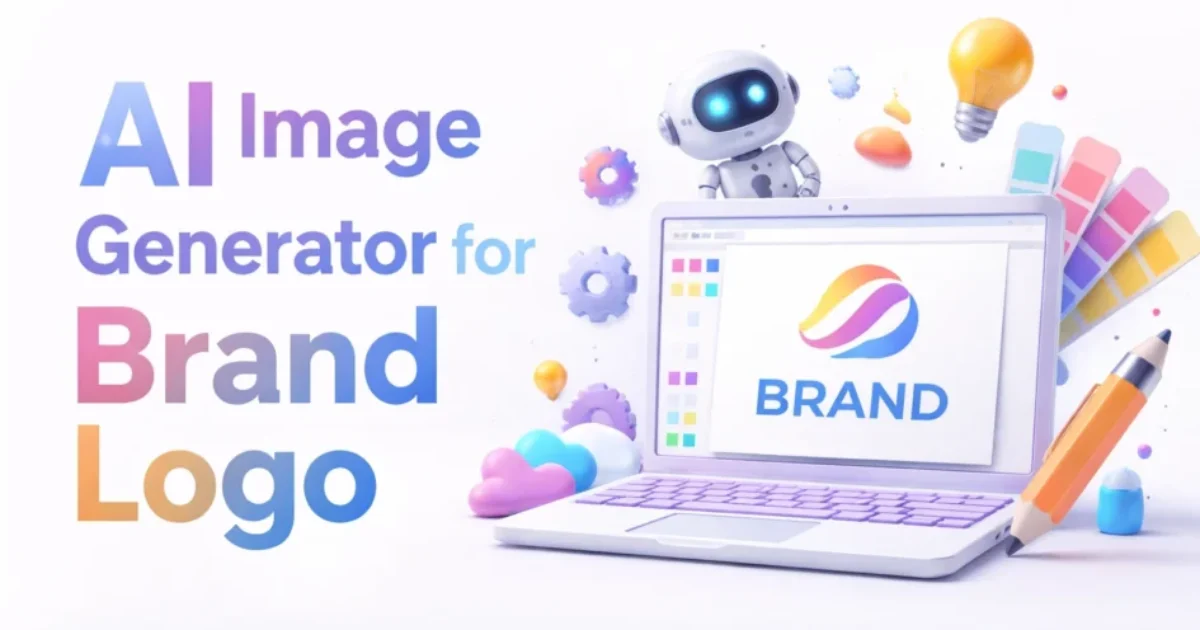
The feature image you’re seeing on this article? That’s also created using AI. Not randomly. Not in one click. It took multiple iterations, prompt tweaks, and small adjustments. But that’s the point — AI didn’t replace thinking, it made execution faster.
What this article will NOT do
This won’t tell you that AI will magically create a perfect logo in seconds. It won’t push tools blindly. And it won’t give you generic advice that sounds good but doesn’t work when you actually sit down to build something.
This is about how AI Image Generator for Brand Logo actually works when you’re building something real.
Peplio Reality Check
- Expected: AI will generate a perfect brand logo instantly
- Happened: Most outputs looked generic or over-designed
- Surprised: With the right prompts, results became usable and even impressive
Why US Business Owners Are Using AI Image Generator for Brand Logo
If you look at how small businesses operate across the US, whether it’s a bakery in Texas, a fitness coach in Florida, or a startup LLC in California, one thing is common — they move fast. They don’t wait weeks for branding. They test, launch, and adjust.
That’s exactly where AI Image Generator for Brand Logo fits in. Instead of hiring a designer right away, many business owners now generate multiple logo ideas, test them on landing pages, and refine based on customer response.
I noticed the same thing while building Peplio. I didn’t finalize my first logo. I tested versions. I changed styles. I simplified things. And honestly, AI made that process possible without burning money.
If you’ve explored how branding works in general, you’ll realize it’s not just about visuals. It’s about perception. That’s why I earlier broke down how AI tools are evolving in branding here:
AI image generator for branding. But logos need a different level of clarity.
The Biggest Mistake I Made with AI Image Generator for Brand Logo
At first, I was using prompts like:
“Create a modern business logo”
And obviously… the results were average.
That’s when I understood something important — AI doesn’t think, it follows instructions. If your input is vague, your output will be generic.
This is exactly why many AI designs feel fake or repetitive. I went deeper into that in this breakdown:
why AI images look fake. The same issue shows up in logos too.
Once I changed my prompts, everything shifted.
🧪 Peplio Experiment #1
Goal: Create a clean logo for a digital platform
Action: Generated 15 logos using simple prompts
Result: Most designs looked like stock templates
Next Change: Added detailed prompt structure
How I Actually Use AI Image Generator for Brand Logo Now
Now my approach is completely different.
I don’t ask AI to “create a logo.” I guide it.
For example:
“Minimalist logo for a digital marketing platform, clean typography, blue and white color palette, modern and trustworthy feel, suitable for US small business audience”
Suddenly, the output starts making sense.
And if I don’t like something? I tweak one element at a time — color, style, typography, spacing.
This process feels less like designing… and more like directing.
If you want to improve this further, understanding prompt structure becomes important. That’s where this helped me a lot:
best prompts to generate realistic AI images.
Real Example – How a US Business Uses This
Let’s say a small coffee shop owner in New York is launching under an LLC. They don’t need a perfect logo. They need something that looks real, clean, and relatable.
Using an AI Image Generator for Brand Logo, they can generate multiple styles — vintage badge, minimal icon, text-based logo — and test what fits their audience.
Then they might take that design into a tool like
Canva to adjust spacing or typography slightly. Not redesigning, just refining.
This is how real businesses move fast today.
🧪 Peplio Experiment #2
Goal: Improve logo quality
Action: Used detailed prompts + style direction
Result: Outputs became more brand-like
Next Change: Test usage on real pages
Testing Matters More Than Design
One thing I learned while building Peplio — what looks good to you may not work for users.
I tested logos on pages, thumbnails, and even blog feature images. Some designs looked great alone but failed when placed on a website.
That’s why tools like
Shopify can actually help you visualize logos in real storefront scenarios before finalizing anything.
Also, when I wanted inspiration or clarity on design direction, I casually explored platforms like
Dribbble. Not to copy… but to understand what “clean branding” actually looks like in real businesses.
🧪 Peplio Experiment #3
Goal: Test AI logo in real usage
Action: Used logo in blog images + UI elements
Result: Some worked, some failed
Next Change: Simplify design further
If you’re a solo builder with no budget…
Then AI Image Generator for Brand Logo is not just a tool — it’s your shortcut to getting started.
You don’t need to wait. You don’t need to overthink. You just need to start creating, testing, and refining.
I did the same while building Peplio. Even today, when I create feature images or branding elements, AI plays a role. Not as a replacement… but as a partner in execution.
If you’re still exploring tools, you might find this helpful when you don’t want to deal with signups:
free AI image generator without login.
One More Thing Most People Ignore
Logo is not branding.
It’s just one part.
Even the best AI Image Generator for Brand Logo won’t fix a weak brand idea. But it will help you execute faster once your direction is clear.
That’s why I always focus on clarity first, then design.
And if you’re trying to make AI outputs feel more natural and less artificial, this guide helped me personally:
generate realistic AI images.
Questions I struggled with while building Peplio
Can AI create a professional logo?
Yes, but only if you guide it properly.
Should I rely only on AI?
No. Use it for speed, not final perfection.
Do customers care about logo source?
No. They care about trust and clarity.
Is this enough to start a business in the US?
Yes. Many businesses already do this.
What I’m Testing Next
Right now, I’m testing something different.
Instead of choosing one logo, I’m creating multiple variations using AI Image Generator for Brand Logo and testing them across pages, thumbnails, and even click behavior.
Because at the end of the day, branding is not about what looks good… it’s about what works.
If you’re reading this, don’t wait for the perfect logo.
Create 3 versions today.
Test them.
And let your audience decide.
Want to Use AI for Your Marketing?
Now that you know how to use AI image tools, here’s what to do next on Peplio:
- 🎨 Try the Best Free AI Image Generator Without Login — unlimited generations, no signup needed.
- 🛠️ Explore Free SEO & Marketing Tools — built for bloggers and small businesses.
- 📖 Read Digital Marketing Comics — learn SEO and marketing through fun stories.