tta1
Turn web articles, X (Twitter) threads, PDFs and screenshots into natural-sounding audio. Pick one of 30 voices and listen in 25 languages. tta1 translates and reads it aloud.

Turn web articles, X (Twitter) threads, PDFs and screenshots into natural-sounding audio. Pick one of 30 voices and listen in 25 languages. tta1 translates and reads it aloud.

beREEL.pro is an AI Reels generator for brands, agencies and creators. Paste your website and it builds your Brand DNA (audience, offer, personas, benefits, tone), then shows a TikTok-style feed of 600+ Reel templates filtered to your buyer. Remix winners onto your products, edit pace, crop and cut, add captions. Start free with 170 credits, no card.
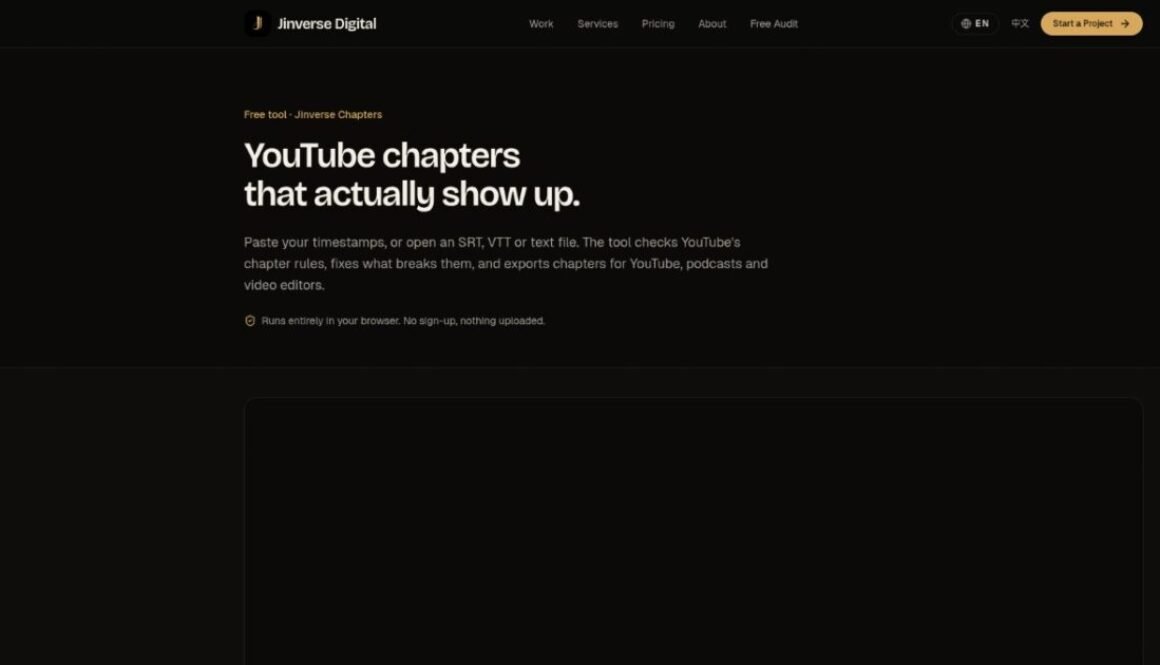
YouTube only shows chapters when three rules hold: the first timestamp is 0:00, there are at least three chapters, and each is at least 10 seconds long. Jinverse Chapters checks all three, flags anything that breaks a rule, and can fix it in one click. You can also shift every timestamp at once.
It reads messy input: notes with timestamps in the middle of a line, or SRT and VTT subtitle files. When the list is right, export it as YouTube description text, WebVTT, FFmpeg metadata, Podcasting 2.0 JSON, Markdown or CSV. There's a table of chapter lengths too.
It runs in the browser. Files aren't uploaded and there's no sign-up.
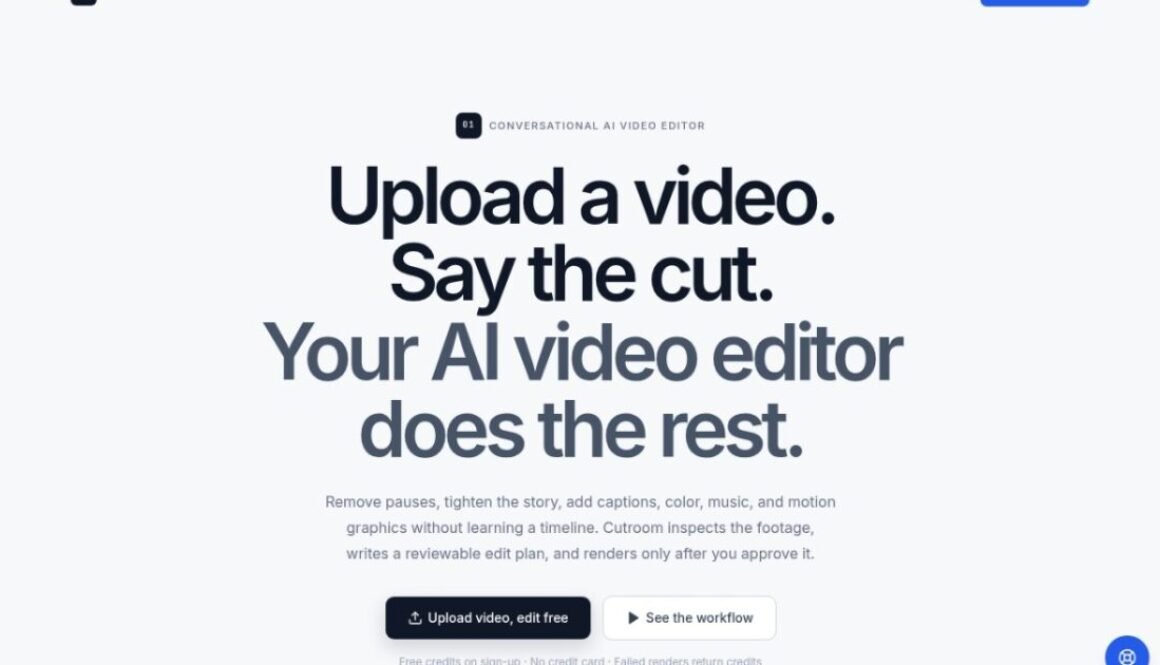
Cutroom is a chat-based AI video editor for creators and teams who want finished cuts without living inside a timeline. Upload your footage and describe the outcome — tighter pacing, filler removal, captions, color, music, or motion overlays. The agent inspects audio and video, builds a word-aligned edit plan you can preview, and only renders after you approve. Use the same workflow for long-form stories, vertical Shorts, product launches, and screen tutorials. Free credits for new accounts; no credit card required to start.
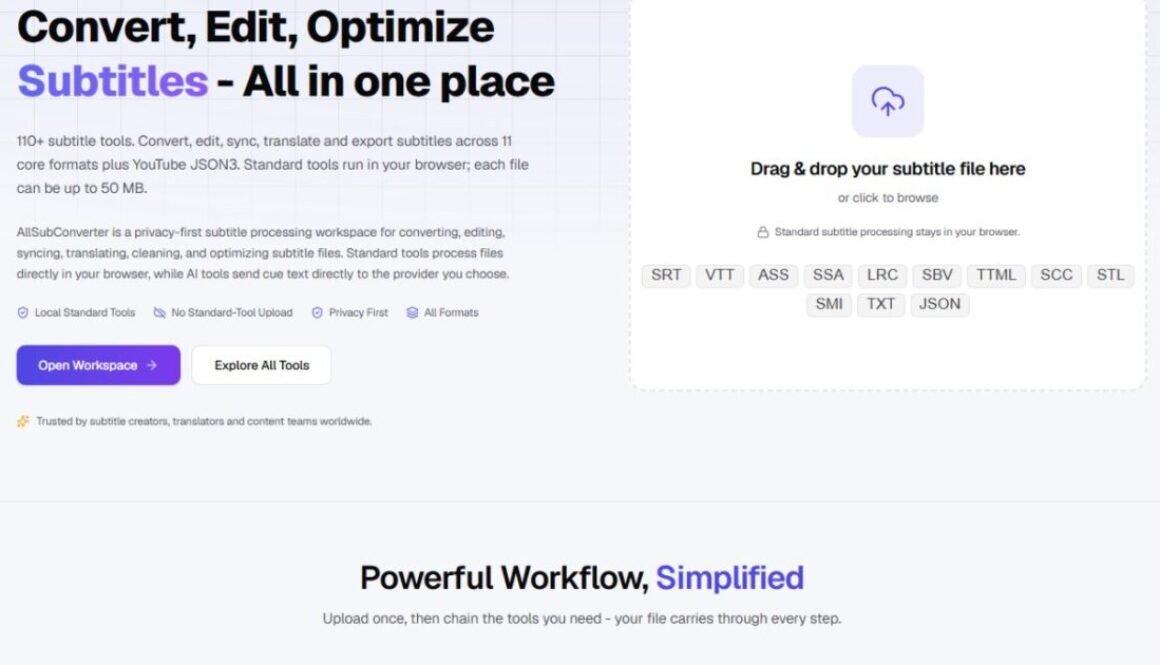
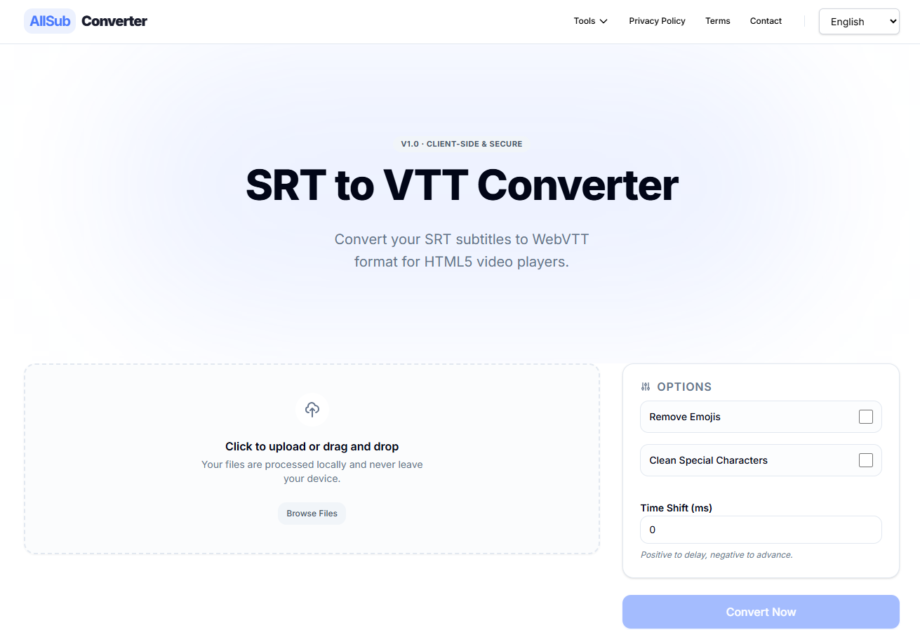
AllSubConverter is a free, browser-based toolkit designed for comprehensive subtitle file management. It offers a wide array of tools for converting, editing, cleaning, syncing, translating, and optimizing subtitle files. The platform supports numerous formats including SRT, VTT, ASS, SSA, LRC, TTML, SCC, STL, and YouTube JSON, catering to a variety of user needs.
This tool is ideal for subtitle creators, translators, developers, and language learners who frequently work with subtitle files. Whether you need to change file formats, correct text and timing issues, synchronize subtitles with video, or enhance their quality, AllSubConverter provides a centralized solution. Its privacy-first approach ensures that standard subtitle processing occurs directly within your browser, meaning your files remain on your device.
Key features include over 40 conversion routes, more than 30 editing, syncing, QA, and AI tools, and batch workflow capabilities. Users can chain multiple tools together for a powerful, simplified workflow. The platform emphasizes local processing for standard tools, offering speed, privacy, and offline functionality. AI tools are available, but they send only cue text and an API key to the chosen provider.
Getting started is straightforward. Users can drag and drop their subtitle files directly into the workspace or browse to upload them. Once uploaded, they can select from the extensive list of tools to convert, edit, sync, enhance, or analyze their subtitle files before exporting them in the desired format.