Shocking Truth: Why Do AI Images Look Fake (3 Real Reasons I Discovered)
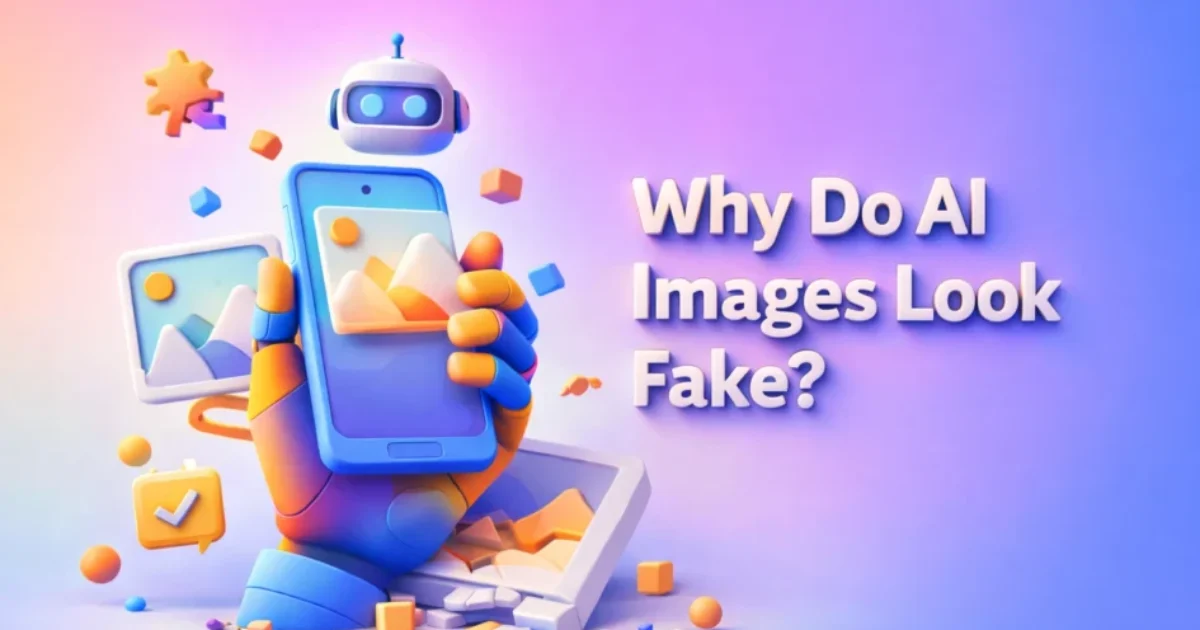
I’ll be honest… the first time I generated an AI image, I actually paused for a second and thought, “Wait… is this real?” It looked sharp, colorful, and honestly better than most photos I’ve taken in my life. But then something felt off. I couldn’t explain it immediately, but the more I stared at it, the more it started to look fake. That’s exactly what pushed me to dig deeper into why do AI images look fake, especially when they look almost perfect at first glance. If you’re a content creator, marketer, or even a small business owner in the US trying to use AI for visual content, this matters a lot. Because whether you’re running a bakery in Texas, managing a digital brand in California, or building an LLC website for your services, your visuals directly impact how customers trust your brand. And if your images feel fake… people notice. 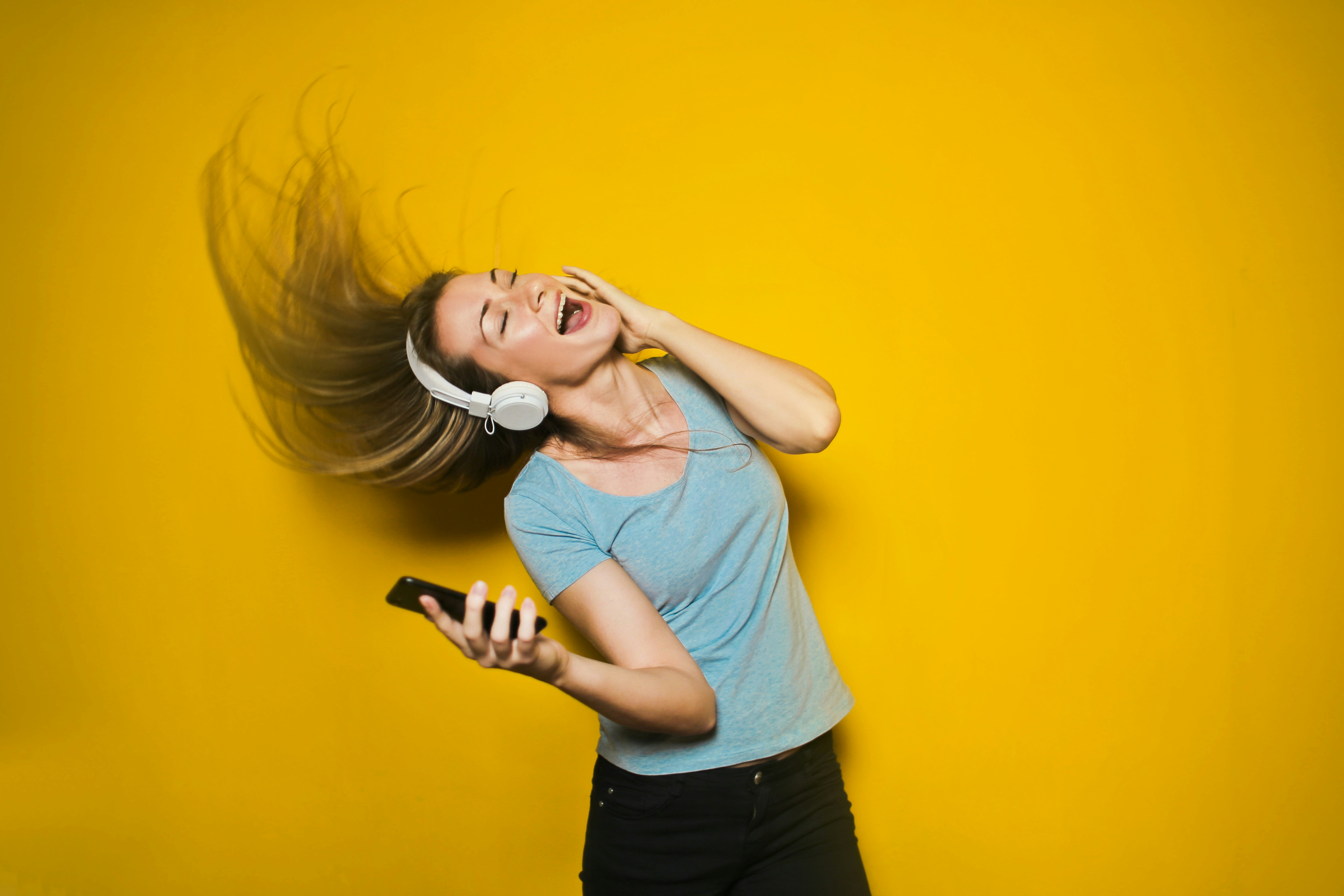
Peplio Reality Check
- Expected: AI images would look 100% real
- Happened: They looked good… but something felt off
- Surprised: The more perfect the image, the more fake it felt
🧪 Peplio Experiment #1 – I Tested AI Prompts Myself
Instead of just reading theories, I decided to test it myself using a free AI image generator. I tried three simple prompts that most beginners use: a realistic human portrait, a hand holding a coffee cup, and a group photo of friends. At first glance, the results looked impressive — clean lighting, sharp focus, and cinematic quality. But when I looked closely, I started noticing subtle issues that made the images feel slightly fake.
1. Realistic Human Portrait
 This image looks almost real at first glance. The lighting is soft, the background blur is perfect, and the facial structure is well defined. But when I zoomed in, I noticed the skin looked too smooth — almost like plastic. There were no natural pores or imperfections. The expression also felt slightly emotionless, like a stock image rather than a real person. This is one of the main reasons why do AI images look fake — they remove natural human imperfections.
2. Hand Holding Coffee Cup
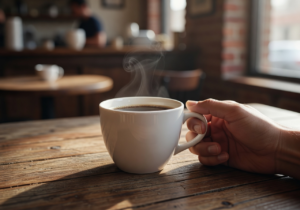 This one surprised me. The lighting and depth look amazing, and even the steam from the coffee looks realistic. But when I focused on the fingers, something felt off. The grip didn’t look completely natural, and the positioning was slightly awkward. These small anatomical inconsistencies are easy to miss at first but become obvious once you observe carefully.
3. Group Photo of Friends
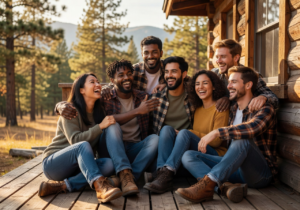 This image looks like a perfect Instagram moment — everyone smiling, perfect lighting, and a beautiful background. But that’s exactly the problem. It feels too perfect. In real life, group photos have uneven lighting, random expressions, and small imperfections. AI removes all of that, making the image feel more like a movie scene than reality.
Why Do AI Images Look Fake? (The Real Reasons)
1. AI Optimizes for Perfection, Not Reality
This is the biggest reason why do AI images look fake. Real-world photography is messy. Lighting is uneven, skin has texture, backgrounds have noise. But AI tries to make everything perfect — smooth skin, balanced lighting, ideal angles. That perfection actually makes the image feel artificial. In real life, nothing is that flawless, especially not photos used by small businesses or everyday creators.
2. Lack of Natural Imperfections
If you look closely at real photos used by US brands, especially local businesses, you’ll notice imperfections — slight blur, uneven shadows, grain, or even minor flaws in composition. AI removes all of that. It creates images that look like stock photos, not real-life moments. That’s why customers subconsciously feel something is off.
3. Strange Anatomy Issues
Even today, AI still struggles with complex structures like hands, fingers, and body proportions. If you zoom into AI-generated images, you’ll often see weird finger placement or unnatural poses. This is one of the most discussed reasons on platforms like Reddit, where users frequently point out subtle mistakes in AI visuals.
4. Unrealistic Lighting and Shadows
Lighting plays a huge role in making images look real. In real photography, lighting follows physics — direction, intensity, and reflection. AI sometimes mixes lighting sources in unnatural ways. You might see shadows going in different directions or highlights that don’t make sense. This breaks realism instantly.
5. Overuse of Cinematic Effects
Many AI tools apply cinematic effects by default — depth of field, color grading, and dramatic lighting. While this looks attractive, it doesn’t always match real-world scenarios. A small bakery in Texas doesn’t shoot every product like a movie scene, but AI often does.
How US Businesses Are Using AI Despite This
Interestingly, many US small businesses are still using AI images for marketing. But they don’t use them blindly. They tweak them, edit them, and combine them with real photos. For example, a local coffee shop might use AI for concept images but rely on real photography for their main branding. If you’re running a business or building a brand, you can still benefit from AI. But you need to understand its limitations. That’s why learning why do AI images look fake is not just theory — it’s a practical skill.
How to Fix AI Images (What Actually Works)
1. Add Imperfections in Prompts
Instead of writing “ultra HD perfect image,” try prompts like “natural lighting,” “realistic skin texture,” or “slightly imperfect composition.” This helps AI generate more human-like visuals.
2. Avoid Over-Cinematic Styles
Keep your images simple. Avoid dramatic lighting and excessive blur unless needed. Real photos are not always cinematic, especially for everyday business use.
3. Use Editing Tools
After generating an image, edit it using tools like Canva or Adobe Photoshop. Add grain, adjust lighting, or reduce sharpness to make it look more natural.
4. Combine AI with Real Photos
This is what most smart marketers do. Use AI for ideas and concepts, but mix it with real images to maintain authenticity. Platforms like Unsplash provide free real images you can combine with AI-generated visuals.
Internal Strategy (Peplio Approach)
If you’ve already explored tools from our previous guides like free AI image generator without login, you probably noticed how easy it is to create images instantly. But ease doesn’t equal realism. That’s why understanding why do AI images look fake helps you use those tools more effectively instead of blindly generating visuals. Also, if you’re looking for unlimited usage options, our guide on free AI image generator without login unlimited explains how to scale your content creation without hitting limits. But again, generation is just step one — refinement is where the real game begins.
What This Article Will NOT Do
This article will not tell you that AI images are useless. It will not claim that AI will replace photographers overnight. And it definitely won’t promise that one prompt will magically fix everything. Instead, this article shows the real scenario — what works, what doesn’t, and what you should actually focus on.
Questions I Struggled With While Building Peplio
One thing I kept asking myself was: if AI images look so good, why do they still feel fake? The answer became clear only after testing multiple prompts and observing results carefully. It’s not about technology limitations alone — it’s about how our brain recognizes reality. Humans are wired to notice small inconsistencies, and AI still struggles with those details.
Final Thought (What I’m Testing Next)
Right now, I’m experimenting with prompt engineering to reduce that “fake” feel. Instead of chasing perfection, I’m focusing on realism — adding noise, natural light, and imperfections. Because at the end of the day, customers don’t connect with perfection… they connect with authenticity. If you’re a solo creator or business owner trying to grow online, don’t just rely on tools. Test, observe, and improve. That’s the real shortcut.
Want to Use AI for Your Marketing?
Now that you know how to use AI image tools, here’s what to do next on Peplio:
- 🎨 Try the Best Free AI Image Generator Without Login — unlimited generations, no signup needed.
- 🛠️ Explore Free SEO & Marketing Tools — built for bloggers and small businesses.
- 📖 Read Digital Marketing Comics — learn SEO and marketing through fun stories.