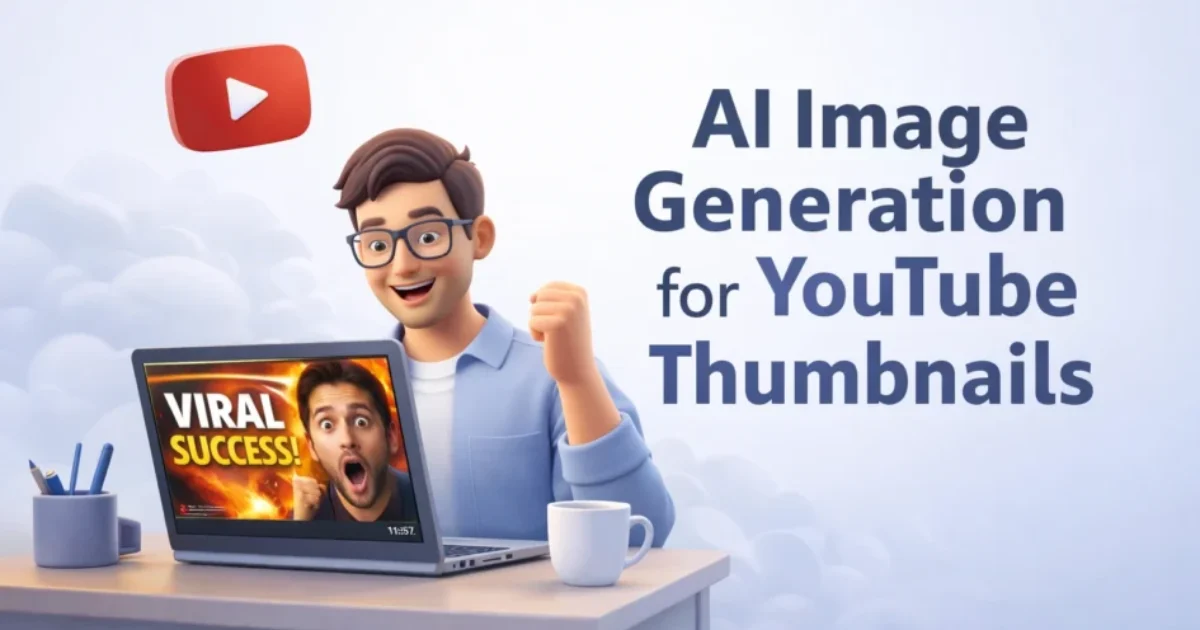
How AI Image Generation for YouTube Thumbnails Boosts Clicks in 2026 (Real Experiments & Results)
I still remember staring at my YouTube analytics one night, refreshing the page again and again, hoping something would magically change. The video was decent, the topic had demand, and the editing wasn’t bad either. But the click-through rate? Terrible. That’s when it hit me — it wasn’t the content, it was the thumbnail. And that’s exactly where AI image generation for YouTube thumbnails completely changed the game for me.
Most creators think better content equals more views. That’s only half true. In reality, thumbnails decide whether people even give your content a chance. And if you’re a solo creator without a big marketing budget, hiring designers consistently isn’t realistic. That’s where AI image generation steps in — not as a shortcut, but as a serious competitive advantage.
What this article will NOT do
This article won’t promise overnight success, viral guarantees, or some fake “10X your views in 24 hours” nonsense. It also won’t give generic advice like “make it colorful” or “use bold text.” Instead, this is based on actual experiments, failures, and lessons learned while using AI image generation for YouTube thumbnails in real scenarios targeting US audiences and small business creators.
Peplio Reality Check
- Expected: AI thumbnails would instantly increase CTR
- Happened: First few thumbnails looked weird and got ignored
- Surprised: With small tweaks, CTR doubled without changing content
Why AI Image Generation for YouTube Thumbnails Matters More in the US Market
If you’re targeting US viewers, the competition is on a different level. You’re not just competing with other small creators — you’re competing with businesses, agencies, and full teams working behind channels. A small bakery in Texas, a SaaS startup in California, or a real estate agent in Florida — they all use high-quality thumbnails because they understand one thing: attention is expensive. That’s why AI image generation for YouTube thumbnails isn’t just a creative tool — it’s a marketing tool. US creators think in terms of “customers,” “conversion rates,” and “marketing ROI.” Your thumbnail is basically your ad creative. And if it fails, your entire content investment fails with it.
🧪 Peplio Experiment #1
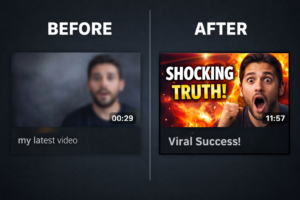 Goal: Improve CTR on a low-performing video Action: Replace Canva thumbnail with AI-generated realistic face + emotion Result: CTR increased from 2.1% to 4.8% in 5 days Next Change: Test background contrast and text positioning
How AI Image Generation Actually Helps YouTube Thumbnails
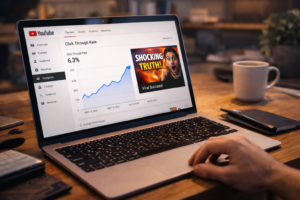 Let’s break this down properly. AI image generation helps in three major ways — speed, creativity, and cost. Traditionally, you’d either design manually or hire someone. Both take time and money. With AI, you can test multiple thumbnail ideas within minutes. That means more experiments, faster learning, and better results over time. But here’s the catch — most people use AI tools incorrectly. They generate random images and expect magic. That’s not how it works. You need to guide the AI properly, just like you would guide a designer. If you don’t know how prompts work, go through this guide on best prompts to generate realistic AI images because prompt quality directly affects your thumbnail quality.
Choosing the Right AI Tools for Thumbnail Creation
Not all AI tools are built the same. Some focus on art, some on realism, and some on speed. If your goal is YouTube thumbnails, you need tools that can create realistic human expressions, clear backgrounds, and sharp visuals. You can explore free tools here: free AI image generator without login or even test unlimited options here: free AI image generator without login unlimited. From my experience, realistic images always perform better for US audiences because they feel more authentic. Cartoon-style thumbnails might work in gaming, but for business, marketing, or educational content, realism builds trust instantly.
🧪 Peplio Experiment #2
Goal: Test realistic vs cartoon thumbnails Action: Created two versions using AI image generation Result: Realistic version got 2x more clicks Next Change: Add human emotion focus (shock, curiosity)
How to Create High-Converting Thumbnails Using AI Image Generation
This is where most creators struggle. They generate images, but they don’t think like marketers. If you’re targeting US customers, your thumbnail should communicate value instantly. Think about it like this — would a business owner stop scrolling and click? Start with a clear idea. Don’t open the AI tool blindly. Decide the emotion, the message, and the visual structure. Then write a prompt that includes lighting, camera angle, subject, and background.
If you’re struggling with unrealistic outputs, read this: why do AI images look fake. It helped me fix a lot of early mistakes. 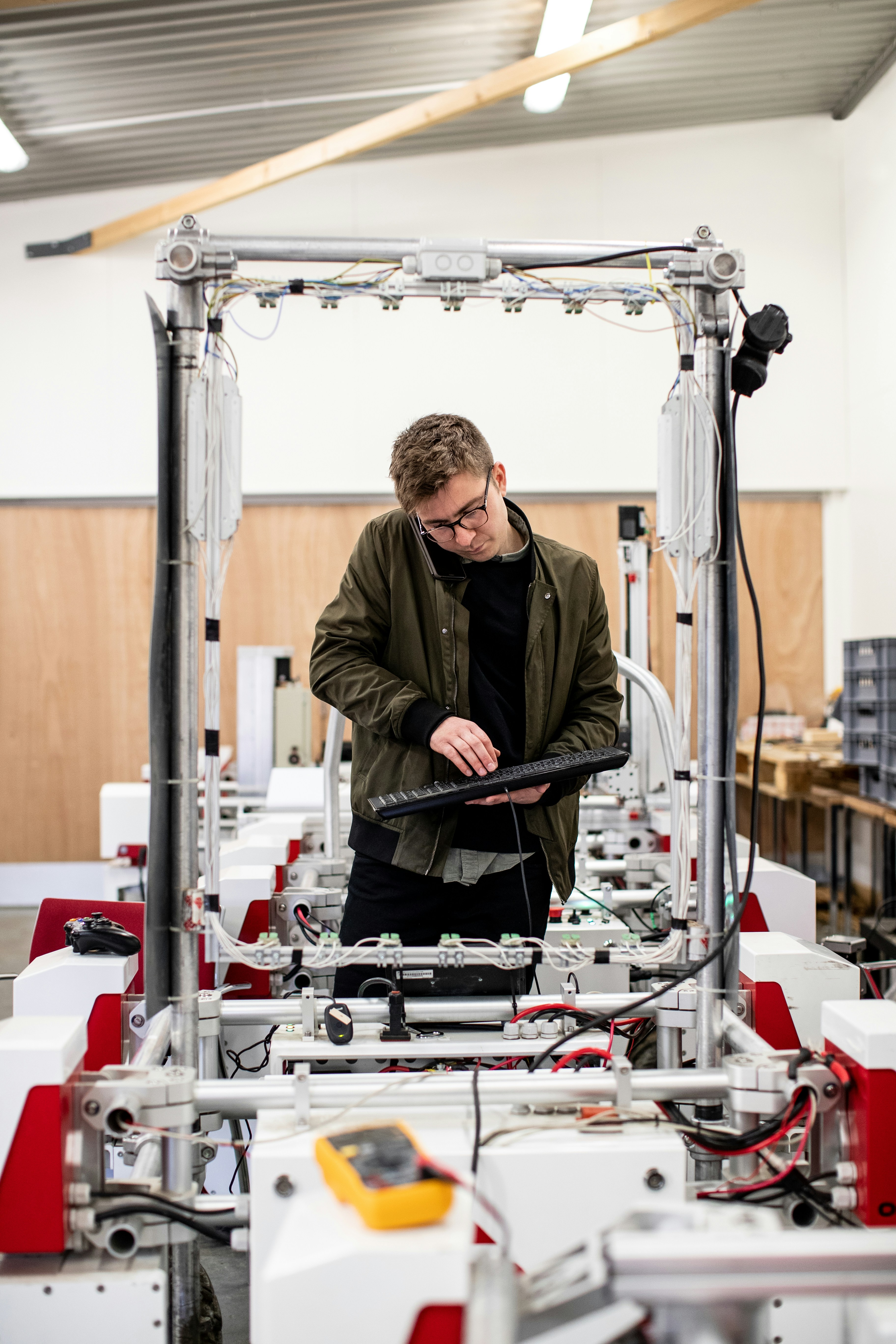 Then refine. Don’t settle for the first result. Generate multiple variations and compare. This is where AI beats manual design — speed of iteration. You can test ideas that would normally take hours within minutes.
If you’re a solo blogger with no audience, no money, and only a laptop…
Then AI image generation for YouTube thumbnails is probably the biggest leverage you have right now. You don’t need a design team, you don’t need expensive tools, and you definitely don’t need to wait for someone else to execute your ideas. You can test, fail, and improve on your own pace — and that’s exactly how real growth happens.
🧪 Peplio Experiment #3
Goal: Improve emotional impact of thumbnails Action: Used close-up face with dramatic lighting Result: Watch time improved because more clicks came from curious viewers Next Change: Combine emotion with bold text overlays
Common Mistakes That Kill Thumbnail Performance
One mistake I made early was overcomplicating things. Too many elements, too much text, and unclear focus. US audiences scroll fast. Your thumbnail needs to communicate in less than a second. Another mistake is ignoring realism. If your image looks fake, people subconsciously avoid it. That’s why learning how to generate realistic images is critical — check this guide: how to generate realistic AI images. 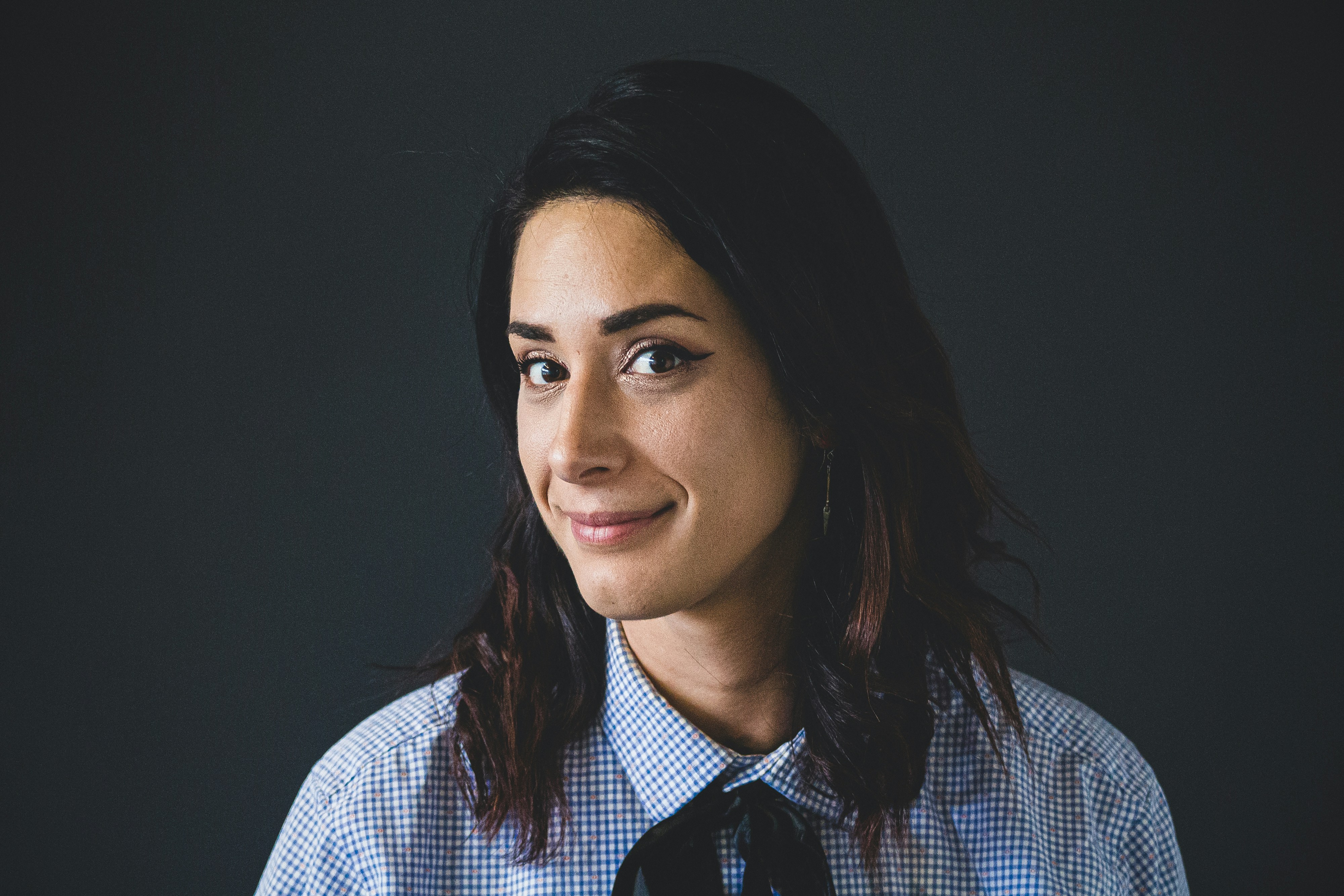 Also, don’t rely only on AI. Combine AI-generated visuals with simple editing tools to add text, contrast, and branding. AI gives you the base, but your thinking completes the process.
External Tools That Help Improve Results
To validate your thumbnails, you can use tools like Canva for quick edits, Remove.bg for background removal, Pixabay for free assets, Unsplash for reference images, and Photopea for advanced editing without cost. These tools, combined with AI image generation, create a complete thumbnail system without increasing your marketing budget.
How US Creators Think About Thumbnails (Mindset Shift)
This is something most people ignore. US creators don’t treat thumbnails as decoration — they treat them as conversion assets. A YouTube thumbnail is like a Facebook ad creative or a Google display ad. It’s designed to attract attention, trigger curiosity, and drive action. If you think like a content creator, you’ll focus on visuals. But if you think like a marketer, you’ll focus on results. And that’s where AI image generation for YouTube thumbnails becomes powerful — because it allows you to test ideas quickly without increasing cost.
🧪 Peplio Experiment #4
Goal: Test thumbnail text vs no text Action: Created AI thumbnails with and without text overlay Result: Text version performed better for educational content Next Change: Shorten text to 2-3 words only
Final Thoughts: What I’m Testing Next
Right now, I’m testing something new — combining AI-generated images with storytelling-based thumbnails. Instead of just showing a face or object, I’m trying to create mini-scenes that tell a story. Early results look promising, but I need more data before making conclusions. If you’re serious about growing on YouTube, don’t ignore thumbnails. Start experimenting with AI image generation for YouTube thumbnails today. Don’t aim for perfection — aim for improvement. Generate, test, analyze, repeat. That’s the only way forward.
Your next step: Take one of your old videos, create 2–3 new AI thumbnails, and replace the old one. Watch what happens over the next 7 days. That single action will teach you more than any guide ever can.
Want to Use AI for Your Marketing?
Now that you know how to use AI image tools, here’s what to do next on Peplio:
- 🎨 Try the Best Free AI Image Generator Without Login — unlimited generations, no signup needed.
- 🛠️ Explore Free SEO & Marketing Tools — built for bloggers and small businesses.
- 📖 Read Digital Marketing Comics — learn SEO and marketing through fun stories.